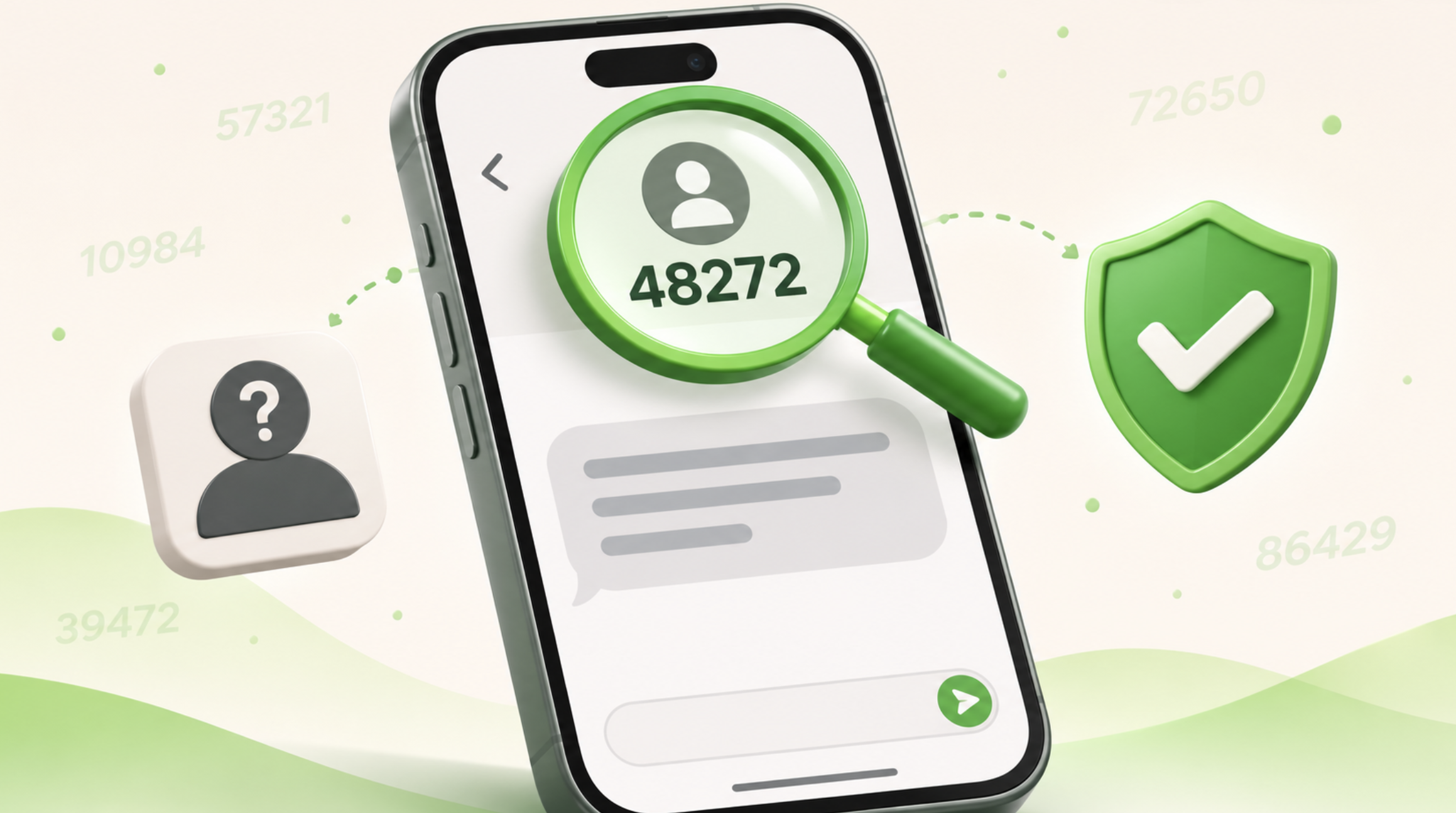
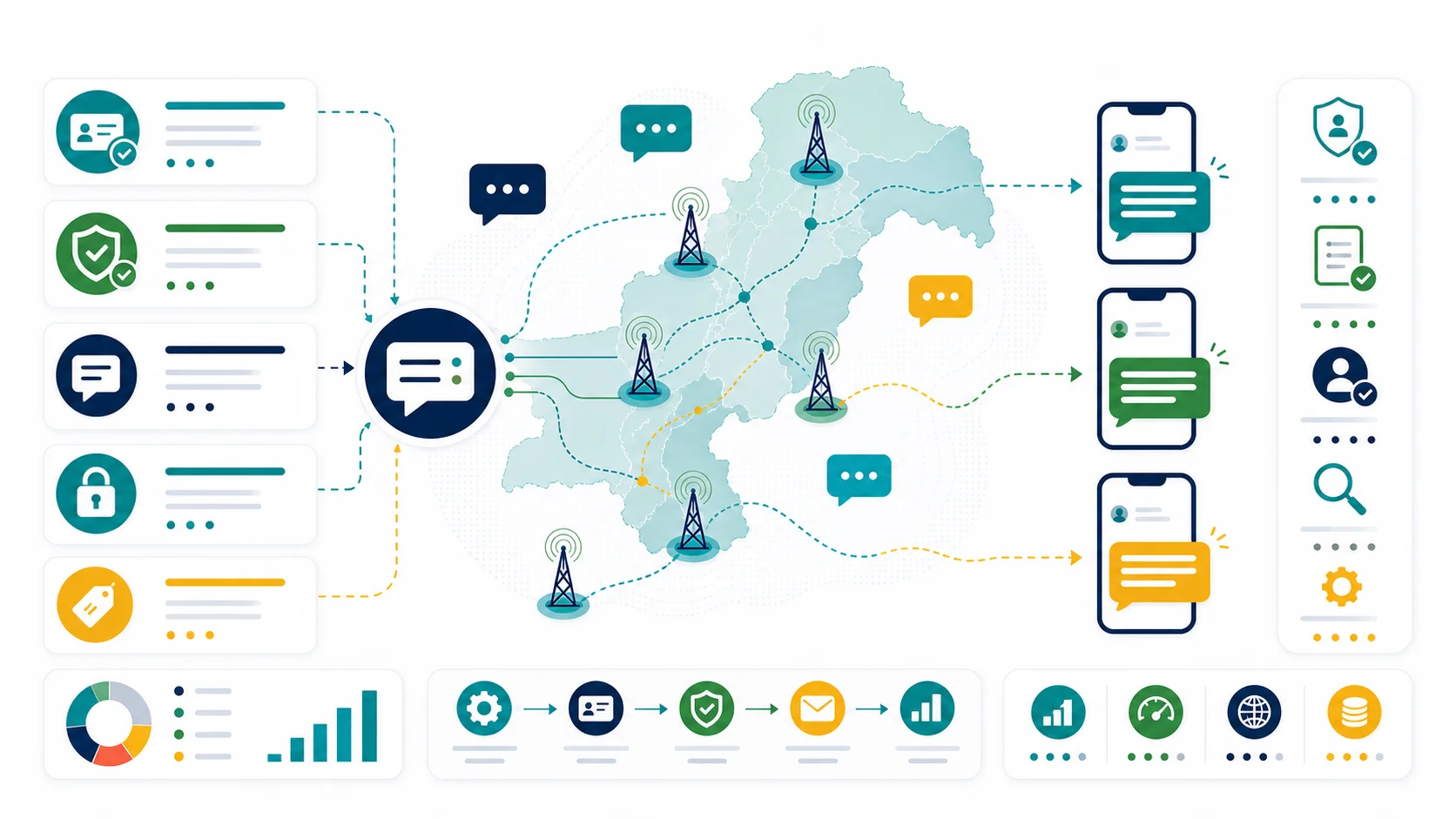
A sound SMS setup for Pakistan starts with six inputs. Define the Pakistan destination, message purpose, sender need, expected volume, sending method, and launch date. SMSBoosting uses these details to open the account and prepare suitable available channels. You do not need to choose a carrier route.
SMSBoosting is an international SMS platform and aggregator, not a mobile network. After setup, your team signs in, recharges the account, and sends through the web platform, HTTP API, or SMPP. You can then review reports and use the results to guide the next test or send.
Start with requirements, not a carrier route
An SMS aggregator links your sending process to a setup that fits the Pakistan destination and use case. Your team and SMSBoosting make different choices. This split helps you avoid a common mistake: treating a carrier name as a full production plan.
| Your team provides | SMSBoosting handles |
|---|---|
| Pakistan destination. | A suitable available channel or route. |
| Message purpose. | How traffic should be set up and tested. |
| Desired sender and sample text. | Current sender and content checks. |
| Normal and peak volume. | Setup based on volume and availability. |
| Web, HTTP API, or SMPP preference. | Account access and sending setup. |
| Launch date and support needs. | Tests, result follow-up, and next steps. |
Your team knows why each message is sent, what the recipient should see, and when traffic may rise. SMSBoosting uses those facts to prepare the account. It does not ask you to pick a named operator route.
Availability can vary with the Pakistan destination, sender, traffic type, volume, timing, and support needs. For that reason, compare providers by how they plan setup, testing, reporting, and pricing. A carrier list alone cannot show whether a proposed setup fits your traffic.
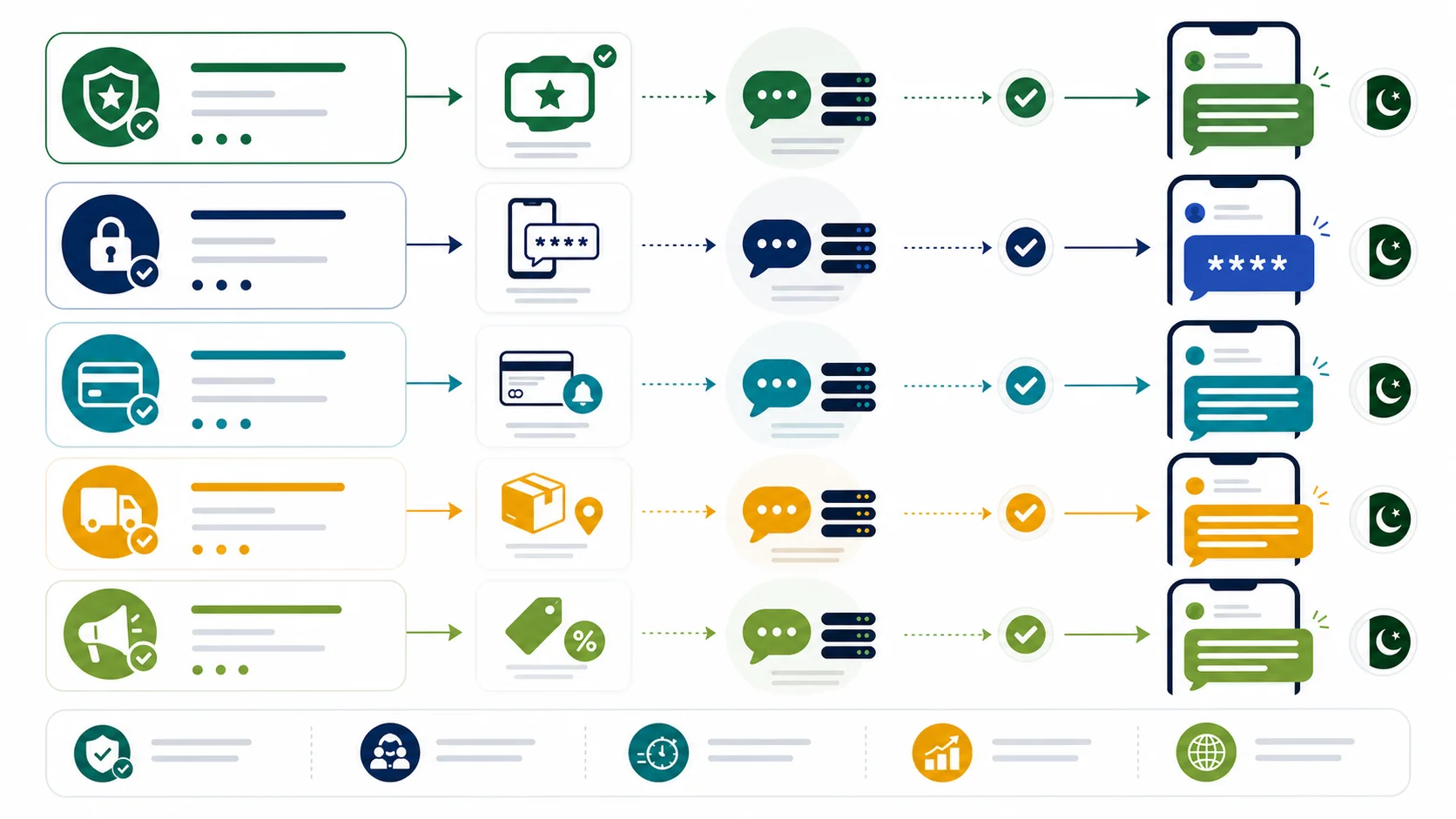
A useful opening request is short but specific. It should let the SMS team understand the traffic before it discusses configuration, tests, or price. You do not need to arrive with a carrier route already chosen.
Define traffic and message purpose
State whether the project sends one-time passwords, account or payment alerts, order notifications, service messages, marketing campaigns, or a mix. Include one or two representative message patterns. A six-digit login code has a different operational purpose from a scheduled promotion, even if both are delivered as SMS.
If several message types share one product, list them separately. This gives the setup team a clearer view of triggers, expected timing, and which traffic should be tested on its own.
State the desired sender and content pattern
Describe what you want recipients to see as the sender and whether content is fixed or generated from variables. Treat the sender name as a requested requirement, not as an entitlement that is already accepted. SMSBoosting can confirm current sender acceptance, content conditions, and any case-specific information needed during configuration.
Provide sample wording rather than a vague label such as “transactional.” A real template makes it easier to see whether the message is an OTP, an account notice, or promotional content. Remove live credentials and personal data from samples.
Add volume, integration, testing, and timing inputs
Estimate normal monthly volume, expected peak volume, and whether messages arrive steadily or in bursts. Name your preferred access method: web platform, HTTP API, or SMPP. Add the planned launch date, the people responsible for integration and testing, and the recipient samples available for a controlled test.
These inputs form the request packet. Any additional case-specific information can then be requested against the actual setup instead of being guessed in advance.
How SMSBoosting configures the Pakistan setup
Once the request packet is clear, the customer journey follows one consistent sequence. Each step produces an input for the next one.
- Contact SMSBoosting. Share the completed request packet and any test needs.
- Account opening and configuration. SMSBoosting opens the customer account and configures suitable currently available channels or routes for the agreed requirements. This is an aggregator decision based on the project, not a carrier route selected by the customer.
- Sign in through the official website. After the account is opened, the customer signs in and works from the platform environment prepared for the project.
- Recharge the account. Add funds before sending. Confirm the current recharge method and any applicable account instructions at that time because payment options can change.
- Send through the chosen interface. Use the web platform, HTTP API, or SMPP according to the agreed workflow. Web sending can support fixed or dynamic content and manual or file-based recipient input.
- Review reports and follow up. Check the task and report records available for the send. Share unexpected patterns with SMSBoosting so the team can follow up on the configured setup, support further testing, and help optimize execution.
This sequence gives both sides clear ownership. Your team controls the business purpose, content, recipient data, timing, and integration. SMSBoosting handles account opening and the suitable messaging configuration, then supports the operational feedback loop.
Format Pakistan recipient numbers before testing
Pakistan uses country code +92. The ITU plan shows a 10-digit mobile number after the country code. It also lists 0 as the local trunk prefix. For an international send, remove the local 0 and add +92.
For example, 03001234567 becomes +923001234567. Keep that full form in your test data. Then check whether your sending tool wants the plus sign or digits only. That is a tool format choice. It does not change the country code or national number.
Clean the numbers before you upload a file or call an API. Do not mix local and global forms in one test. Check the country code, length, spaces, and punctuation. These simple checks make a failed request easier to trace.
A mobile prefix is not final proof of the current network because a number can move between operators. If network coverage matters, use samples whose current network is known from the test users or another sound check.
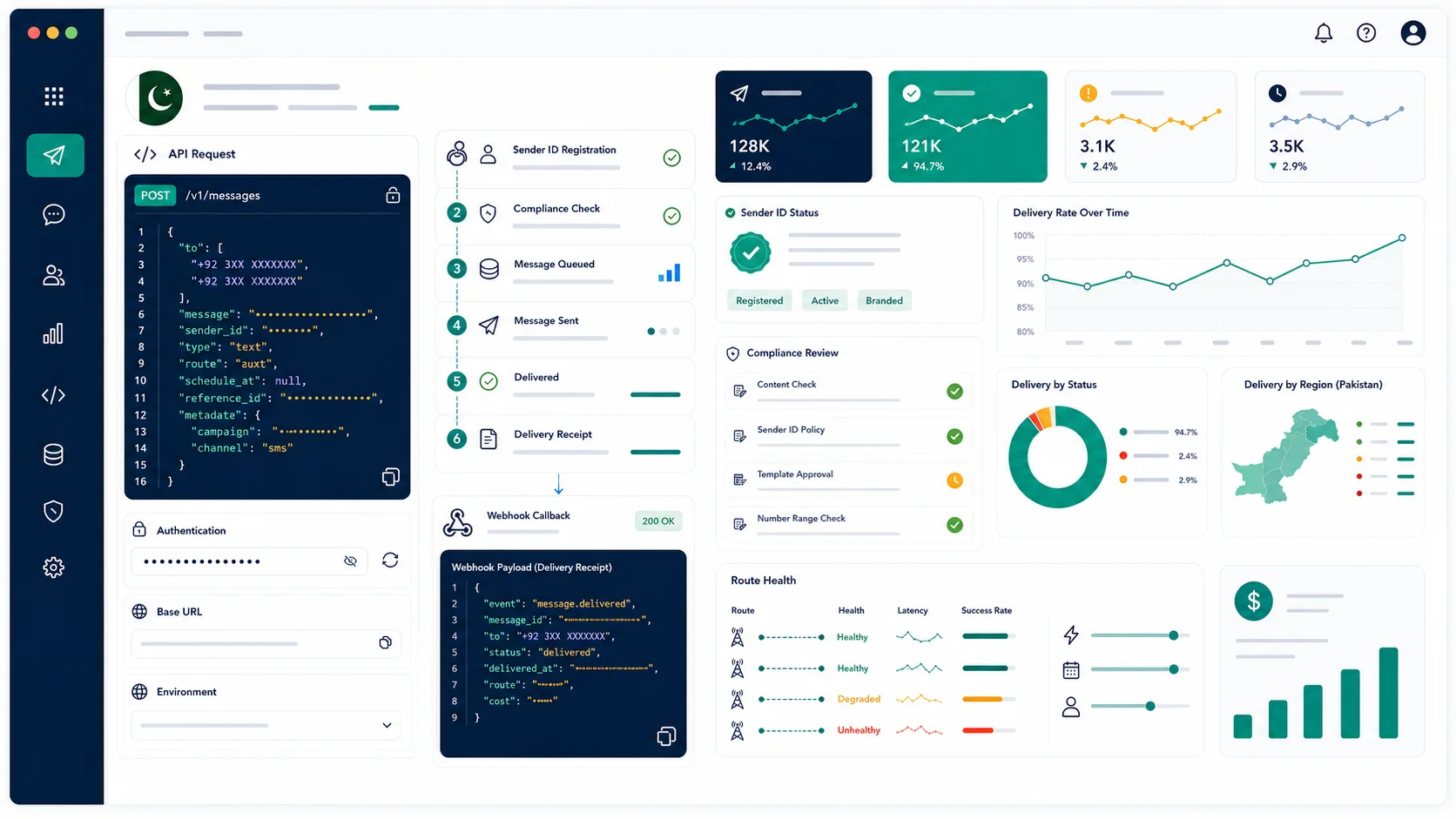
Pick the access method that fits how messages start and who runs the send. Look at the trigger, source of numbers, type of content, and report work.
| Method | Best fit | Input | Main check |
|---|---|---|---|
| Web platform. | Manual sends and uploaded lists. | Typed numbers or files; fixed or variable text. | File import, variables, task setup, and reports. |
| HTTP API. | App-triggered OTPs, alerts, and notices. | Numbers, text, and an optional sender value. | Request fields, response handling, IDs, and reports. |
| SMPP. | An agreed link with an existing SMS system. | Messages from an SMPP client. | Session, submit, error, and report handling. |
Web platform for manual or file-based work
The web platform fits teams that create a send in the browser. They can enter numbers or upload a file. The platform supports fixed text and variable text. Test a small file first. Check number parsing, variable values, task names, and the records shown after the send.
HTTP API for application-triggered submission and reports
The current SMSBoosting API documentation covers GET or POST sends. It documents destination numbers, message text, an optional sender field, submission IDs, report queries, and pushed reports. Build from the current docs. Do not copy a sample host from another provider. Keep keys and secrets out of logs and test data.
SMPP for an agreed system integration
SMPP can fit a system that already uses this protocol. Agree on the connection and login details during setup. Test submit, error, and report handling before live use. Do not assume speed or session limits that are not set for the account.

A small test is easier to learn from than a large mixed batch. Record the same facts that were used for setup. This lets you compare the plan with what happened.
Build a small test matrix
| Field | Record this |
|---|---|
| Use case. | OTP, notice, transaction, campaign, or another agreed type. |
| Sender. | The sender value used in the test. |
| Recipient. | The +92 sample and its known test context. |
| Method. | Web, HTTP API, or SMPP. |
| Content. | The exact text and any variables. |
| Submit record. | Task or submit ID and time. |
| Report record. | The status or report value returned. |
| Test result. | What the tester saw and when. |
| Next action. | Fix, retest, review, or ask for help. |
Use a few known recipients for each key use case. Keep OTP and campaign text in separate tests. If you compare two access methods, use the same small case for both. This makes the fields and reports easier to compare.
Read submission and report records with care
The platform shows task status, submit progress, total, success, and fail counts. It also has send records and reports. The API returns submit IDs and supports report queries and pushed reports. Use the label shown by the platform or API. A submit response shows that a request reached one step in the process. It is not, by itself, proof that a phone received the message.
If a result differs from the plan, compare the number, sender, text, method, time, and returned record. Send that exact case to SMSBoosting for review. A focused case makes the next result easier to compare and diagnose.
Use operator names only to plan coverage checks
As of October 14, 2026, Jazz, Zong, and Ufone are useful names when you arrange test coverage in Pakistan. Telenor Pakistan became part of PTML/Ufone on July 1, 2026 and stopped being a separate legal company. This note keeps the test plan current. It does not make these networks routes that a customer selects from SMSBoosting.
Compare Pakistan SMS quotes on the same inputs
SMSBoosting’s owner-confirmed starting reference for Pakistan is about EUR 0.0075 per SMS. It is a first-party starting point, not a market average or a fixed final rate. Ask for a current quote based on the Pakistan destination, use case, sender need, volume, route quality and availability, timing, sending method, and support needs.
A price check only works when each provider answers the same request. Put these fields beside each quote.
| Quote field | Why it matters |
|---|---|
| Destination. | Keeps the rate tied to Pakistan. |
| Use case. | Separates OTPs, alerts, and campaigns. |
| Sender need. | Shows which sender plan the quote uses. |
| Normal and peak volume. | Gives the provider a real traffic profile. |
| Quality and availability. | States the setup basis on the quote date. |
| Sending method. | Shows whether web, API, or SMPP work is needed. |
| Project timing. | Links setup and tests to the launch date. |
| Support needs. | Shows whether test follow-up is included. |
| Included tests. | States what can be checked before scale. |
| Quote validity. | Gives the rate a clear review date. |
Do not compare a bare unit price with a plan that includes setup and support. First align the inputs. Then ask what the quote covers and what still needs a check. This gives cost, tests, and the launch plan the same frame.
Launch checklist and next step
Before you ask for a Pakistan setup, confirm that the request packet includes the message purpose, sample text, desired sender, expected traffic, preferred access method, launch date, test recipients, and reports your team needs. This gives the first call a clear base. It also cuts repeat questions because setup, testing, and price refer to the same project.
Once SMSBoosting receives the completed brief, the team can open the account, configure a suitable available setup, support the agreed test, and follow up on the resulting reports.
To begin, send SMSBoosting the completed Pakistan project brief. The response will clarify current sender and content requirements, a suitable available setup, the test plan, and the basis for a current quote.