To send a short message (SMS), open your phone’s Messages app, choose a recipient, type your text, and tap Send. For a business, the same “send short message” task may be handled through a web SMS platform or API. Your best option depends on who you’re contacting and whether sending needs to be automated.
What Does It Mean to Send a Short Message?
SMS stands for Short Message Service. Sending an SMS means transmitting text to a mobile number through a service generally relying on carrier networks—for instance, an appointment reminder or order update. [1]
“Text message” is broader: a phone may use SMS, MMS for multimedia, iMessage, or Rich Communication Services (RCS). These are different technologies even when conversations look similar. [2]
Both phones and business messaging services can send SMS when the device, account, destination, and sender meet the relevant requirements. For a fuller explanation of the technology, see What Is SMS Service?.
4 Ways to Send a Short Message
1. Send SMS from a Mobile Phone
A phone is usually simplest for personal texts. Use its Messages app and an active mobile service that supports SMS; your plan may determine the cost.
Best for: One-to-one conversations and small numbers of personal messages. Limitation: Manual texting isn’t designed for large business campaigns or automated notifications.
2. Send SMS Through a Web SMS Platform
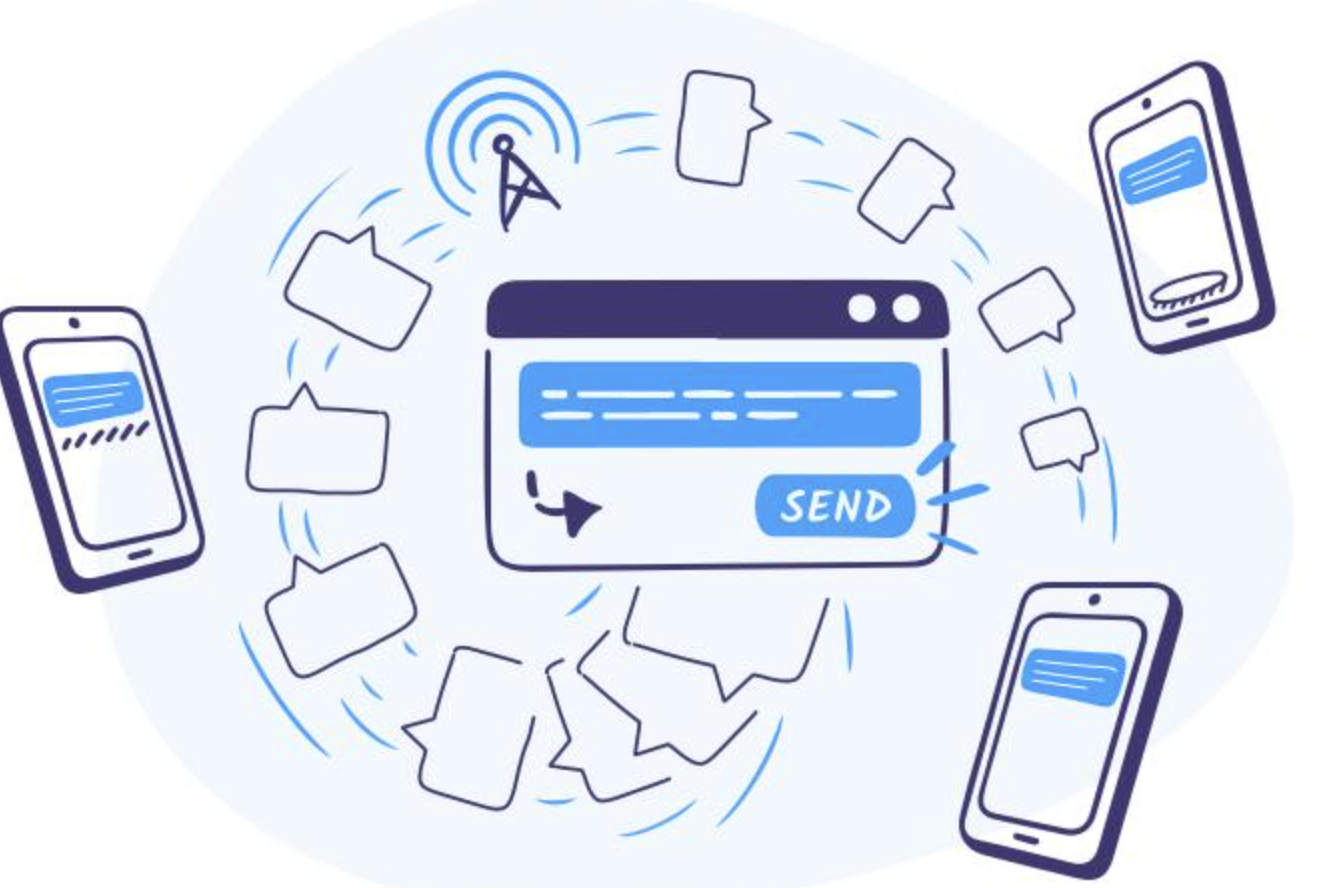
A web SMS platform handles business texts in a browser rather than on a personal phone. Features may include recipient entry, composing, sending history, and status tracking.
Best for: Customer notifications, business operations, and teams that need a shared sending service. Limitation: You need a service account, destination support, and any required sender setup. SMSBoosting offers both web-based and API sending for business messaging. [3]
3. Send SMS Using Email-to-SMS
Traditional email-to-SMS gateways converted email sent to a carrier-specific address into SMS. They required the right carrier and gateway format; availability is shrinking.
AT&T shut down its email-to-text and text-to-email services on June 17, 2025. [4] Verizon says it is phasing out legacy email-to-text through Vtext and VZWPix, with shutdown expected to be completed by March 31, 2027; access may disappear earlier. [5]
Best for: Existing, specifically verified legacy setups only. Limitation: Don’t assume a gateway works based on an old online list. Check the recipient carrier’s current documentation and test before relying on it. For business-critical notifications, choose a maintained messaging service instead.
4. Send SMS Using an API
An SMS API lets software send messages programmatically. An order update or verification request, for example, can trigger sending without an employee opening a browser.
Best for: Developers, SaaS products, OTP messages, and recurring transactional notifications. Limitation: Integration, authentication, monitoring, and error handling require technical work.
| Method | Best For | Requirements | Advantages | Limitations |
|---|---|---|---|---|
| Mobile phone | Personal messages | Phone and SMS-capable mobile service | Familiar and quick | Manual; limited automation |
| Web SMS platform | Business teams | Account, supported destination, sender setup | Browser access; possible logs and tracking | Service charges and compliance checks |
| Email-to-SMS | Verified legacy use | Still-active carrier gateway | Familiar email workflow | Being discontinued; unreliable availability |
| SMS API | Apps and automated alerts | Provider account, credentials, development | System integration and repeatable sending | Engineering and monitoring needed |
How to Send a Short Message from Your Phone
How to Send an SMS on iPhone
- Open the Messages app.
- Tap the Compose button to start a conversation, or open an existing one.
- Enter a mobile number or choose a contact.
- Type the message, such as “Your appointment is at 3 PM tomorrow.”
- Tap the Send arrow. These are the core steps documented by Apple. [6]
Check which service is being used. Blue bubbles indicate iMessage. Green bubbles can indicate SMS, MMS, or RCS—green alone does not confirm that an SMS was sent or delivered. The service depends on your settings, the recipient, your carrier, and available connectivity. [2]
If sending fails, confirm the phone number, check cellular service, look for any displayed error, and make sure your plan supports the message type. If you specifically need SMS rather than iMessage or RCS, verify the available sending options with your phone and carrier instead of assuming every message uses SMS.
How to Send an SMS on Android
- Open Google Messages, or the default messaging app supported by your device.
- Tap Start chat or your app’s equivalent new-conversation control.
- Enter the recipient’s mobile number or select a contact.
- Type your text in the message field.
- Check the sending method, then tap Send. Google documents this general workflow for Google Messages. [7]
Google Messages can use RCS, SMS, or MMS. In Google Messages, the send icon can indicate whether a message will go via mobile data/Wi-Fi, SMS, or MMS. [8] Device makers and app versions may show different labels. After tapping Send, check whether the app displays a failure indicator; a message appearing in the conversation is not, by itself, proof of delivery.
How to Send a Short Message Online
A browser-based SMS service lets a business manage sending through an account rather than a personal phone.
-
Step 1 — Choose a Web SMS Platform
Check destination coverage, manual web sending, message logs, status reporting, pricing, and any sender-registration requirements.
-
Step 2 — Create an Account and Check Sending Requirements
Register and complete required verification. Some destinations or message types require approved senders or local registration. Check the provider’s country-specific guidance. [1]
-
Step 3 — Enter the Recipient’s Phone Number
Use the correct country code. Many services require E.164 format:
+, country code, and subscriber number, without punctuation. [9] -
Step 4 — Write Your SMS Message
Keep the purpose clear: “Your order is ready for pickup at our Main Street location.” Check personalization variables, special characters, and message length.
For business messaging, confirm that the recipient can lawfully receive this particular type of message. Sending a service update and sending a promotion may involve different consent requirements.
-
Step 5 — Submit and Check the Message Status
Review the recipient and text, submit the request, and check the status information the provider actually supplies. A platform accepting your request does not necessarily mean the carrier delivered the SMS. Where supported, review subsequent delivery information and record errors for investigation. [10]
SMSBoosting supports browser-based SMS and API sending. Its Credit-based costs vary with destination and routing, so compare the likely sending cost before scaling up. See SMSBoosting SMS pricing and credit plans. [11] If your goal is a full marketing campaign rather than an individual business message, see How to Send Bulk SMS for Marketing.
How to Send SMS Using an API
An API turns sending into a software operation. For example, a booking system can request a reminder after an appointment is confirmed.
-
Step 1 — Choose an SMS API Provider
Compare destination coverage, sender types, documentation, status reporting, and pricing before writing code.
-
Step 2 — Prepare API Credentials
Obtain the provider’s required credentials, such as an API key. Keep secrets on the server or in a secure secrets manager, never in public code, and follow the official authentication instructions.
-
Step 3 — Prepare the SMS Request
Most sending workflows need three pieces of information:
- Sender: The approved phone number, short code, or other supported sender identity.
- Recipient: The destination mobile number, formatted as required.
- Message body: The text to send, including any validated variables.
Additional fields may specify routing, status callbacks, or other service options. These are conceptual fields, not SMSBoosting API parameter names. Twilio’s documented message resource, for example, requires a recipient, sender, and content, illustrating the general API pattern. [12]
-
Step 4 — Submit the API Request
Authenticate and submit the request using the documented endpoint and format. HTTP success may mean the request was accepted, not that the recipient received the message. [12]
-
Step 5 — Check Message Status and Handle Errors
Save a message identifier when one is returned. Use the provider’s documented status endpoint, dashboard, or callback mechanism to follow later events. Handle invalid numbers, authentication failures, insufficient balance, and sender restrictions according to the actual error response. Don’t automatically retry a message if doing so could duplicate a customer notification. Status callbacks and delivery receipts are useful, but their availability and detail depend on the service. [10]
For a closer look at automated notification workflows and monitoring, read Transactional SMS API.
What to Check Before Sending SMS
Use this checklist before a personal text or a business test:
- [ ] Confirm the number belongs to the intended recipient.
- [ ] Include the correct country code when required.
- [ ] Confirm the service supports the destination and number type.
- [ ] Choose phone, web platform, or API for the actual use case.
- [ ] Verify that the device or provider can send SMS, not just iMessage, RCS, or an internet chat message.
- [ ] Check your account, service, and balance requirements.
- [ ] Check names, appointment details, links, and personalization fields.
- [ ] Remove unnecessary characters and review the likely segment count.
- [ ] Keep important notifications concise and unambiguous.
- [ ] Confirm the appropriate permission for business messages.
- [ ] Check sender-registration rules and applicable opt-out obligations.
- [ ] Apply the destination’s actual rules rather than assuming one country’s requirements apply everywhere. CTIA’s U.S. messaging guidance, for example, emphasizes consumer consent and honoring opt-outs for non-consumer messaging. [13]
- [ ] Send a small test to an authorized number before a wider rollout.
- [ ] Check available submission and delivery information.
- [ ] Save useful error details, and avoid repeatedly testing on real customers.
How Long Can a Short Message Be?
SMS length depends on encoding. A single GSM-7 segment typically holds up to 160 characters; UCS-2 typically holds up to 70. Concatenated messages leave less space in each segment for text. [14]
| Encoding | Single Segment | Concatenated Segment | Example |
|---|---|---|---|
| GSM-7 | Up to 160 characters | Up to 153 characters per segment | Your code is 123456 |
| UCS-2 | Up to 70 characters | Up to 67 characters per segment | Your order is ready 😊 |
An emoji, smart quotation mark, or character from some non-Latin scripts may cause the entire SMS to use UCS-2 rather than GSM-7. Some GSM-7 extended characters also take more than one character position. A long message may appear as one conversation bubble after the recipient’s phone reassembles it, even though the network transmitted multiple segments. [14]
More segments can mean higher costs, but the final charge depends on your provider’s billing rules and the destination. SMSBoosting bills through Credits, and 1 Credit is not necessarily 1 SMS. Review the destination’s estimated consumption and the current SMSBoosting pricing before sending longer texts. [11]
FAQ
How do I send a short SMS message?
Open your phone’s Messages app, select a mobile number, write the text, and tap Send. For business use, choose a web SMS platform; for automated software messages, use an SMS API.
Can I send a text message from my computer?
Yes. A web SMS platform lets you work in a browser. Another option is Google Messages for web, which connects to your phone to send SMS, so it is not a standalone SMS gateway. [15]
Can I send SMS online for free?
Sometimes. Some providers offer limited trials or testing credits, but restrictions, recipient verification, or destination charges may apply. See How to Send Free SMS for the trade-offs.
Can I send an SMS without a phone?
Yes. You can submit business messages through a supported web SMS service or API without using your personal handset. You still need an authorized sender and a service capable of reaching the destination.
Do I need a phone number to send SMS?
You need a recipient’s reachable mobile number. The sender may be a phone number, short code, or supported alphanumeric Sender ID, depending on the destination and provider. [1]
How many characters can a short message contain?
Typically up to 160 GSM-7 characters or 70 UCS-2 characters in a single SMS segment. Longer texts may use multiple segments. [14]
How can I tell if my SMS was sent successfully?
Check the sending app or platform for an error or status. Submitted, sent, and delivered are not interchangeable: a final delivery result may arrive later or may not be available for every route. [10]