Messages may not deliver because your phone has no cellular service, the recipient’s number is wrong, iMessage or RCS isn’t connecting, or the receiving device is temporarily unavailable. For business texts, sender registration, carrier filtering, international restrictions, and API errors are additional possibilities.
Start by checking the sending method, the exact error, and whether other contacts can receive your messages. Those clues beat repeatedly tapping Send.
What Does "Message Not Delivered" Mean?
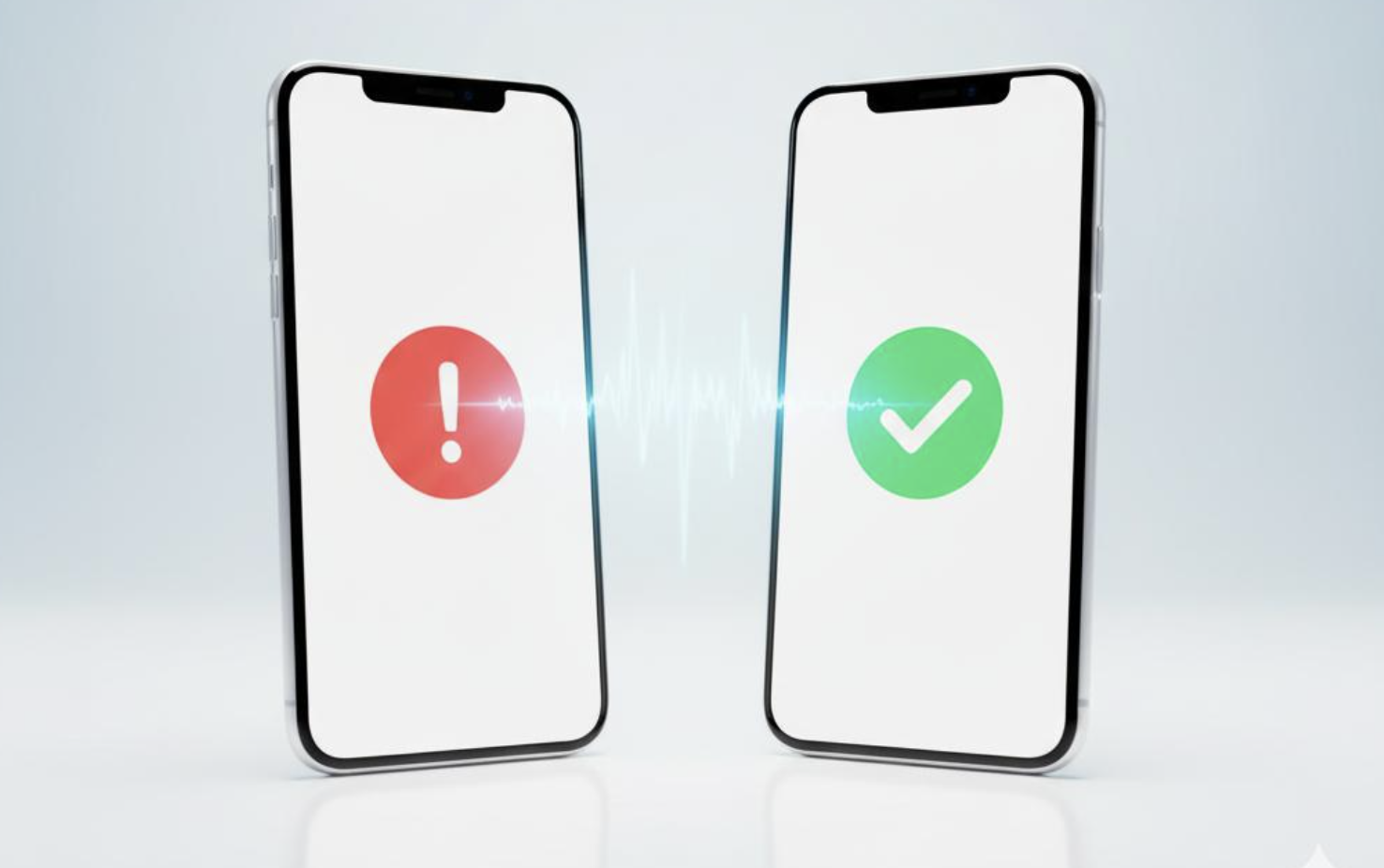
“Message Not Delivered” means the app or messaging service could not confirm that a message reached the intended destination. It may never have left your device, or it may have failed after submission. For example, a business platform might accept an order notification, yet a carrier may reject it because the destination number is invalid.
| Status | What it generally tells you |
|---|---|
| Sent | The message passed a sending stage; recipient delivery is not necessarily confirmed. |
| Delivered | A delivery confirmation was reported by the relevant service or network, where supported. It does not necessarily mean the person read it. |
| Failed | The app or provider could not send or process the message successfully. |
| Undelivered / Not Delivered | A sending or delivery attempt did not succeed, or the service could not confirm delivery, depending on its status rules. |
These labels are not standardized across every app and SMS provider. Traditional SMS travels through mobile carrier infrastructure; iMessage uses Apple’s internet-based messaging service; and RCS uses data connectivity for supported rich messaging. Their receipts and fallback behavior differ. Business platforms can offer timestamps and errors to locate the failed stage.
Quick Checks When Your Messages Aren’t Delivering
Before changing advanced settings:
- Check the connection. Look for cellular service if you’re sending SMS. For iMessage or RCS, also test Wi-Fi or mobile data.
- Verify the destination. Recheck the digits and international country code, especially for a recently saved contact.
- Read the alert. Tap an available error indicator or open your provider’s message record; note the wording before retrying.
- Identify the channel. Check whether the conversation uses SMS, iMessage, or RCS. On iPhone, a green bubble can mean SMS, MMS, or RCS—not SMS alone.
- Test another contact. Send one brief, ordinary message to a willing contact. If it works, focus on the original recipient or conversation.
- Check the app and phone. Confirm your line is active and the messaging app is updated. Restart only if the app appears stuck or behaves abnormally.
- For business sending, open the message log. Check the API response, message status, and any error details before making another attempt.
One failing contact suggests a recipient issue; widespread failures point toward your connection, settings, or business account.
10 Common Reasons Your Messages Are Not Delivering
1. Poor Network Connection or Signal Issues
Problem: Texts remain unsent or display an error when cellular coverage is weak.
Why It Happens: SMS normally needs access to your carrier’s mobile network, while iMessage and RCS depend on an internet connection. Wi-Fi alone does not prove SMS service works.
How to Check: Check cellular signal, airplane mode, and another contact. Test internet connectivity separately for iMessage or RCS.
How to Fix: Move to a location with service and retry once. If service stays unavailable, check for an outage or contact your carrier. Restarting will not fix a network outage.
2. Incorrect or Invalid Phone Number
Problem: Messages fail consistently for a particular destination.
Why It Happens: Typos, missing country codes, and disconnected or SMS-incompatible numbers can prevent delivery.
How to Check: Verify the digits, country code, and any recent number change.
How to Fix: Correct the number and send one test message. Businesses should validate number formats and remove invalid or outdated contacts.
3. iMessage or RCS Configuration Problems
Problem: A conversation fails even though ordinary texting or internet access seems to work.
Why It Happens: Activation, device changes, disconnected RCS sessions, or unavailable fallback options can interrupt these services.
How to Check: On iPhone, inspect the sending method, error symbol, and selected line. In Google Messages, check RCS status, default SMS app, and active SIM. Menus vary by device.
How to Fix: Follow the error shown. Apple’s Messages app may offer Try Again or Send as Text Message after a failed iMessage. In Google Messages, verify RCS setup and use an available SMS/MMS resend option when appropriate. Do not assume every device offers automatic fallback.
4. Recipient’s Phone Is Unavailable
Problem: Your message remains pending or delivery confirmation takes longer than expected.
Why It Happens: The recipient may be offline, outside coverage, or experiencing roaming trouble. Some networks hold messages for later delivery.
How to Check: Test another number; if it works, ask the original recipient whether their phone and line are working.
How to Fix: Allow time to reconnect. A powered-off phone does not prove permanent failure; retry and expiry rules vary.
5. Blocked Numbers or Recipient Restrictions
Problem: One conversation stops working while other contacts remain reachable.
Why It Happens: Device, account, carrier, or block settings may restrict incoming messages; other failures look similar.
How to Check: Check the number, network, channel, and recipient availability first. If appropriate, ask through another mutually acceptable channel.
How to Fix: Correct any confirmed configuration issue. Respect the recipient’s communication preferences; do not cycle through numbers or accounts to get around a possible block. “Not Delivered” alone cannot tell you whether someone blocked you.
6. Carrier Filtering or Spam Detection
Problem: Business texts fail across a subset of recipients despite valid numbers.
Why It Happens: Providers and carriers may filter suspected unwanted traffic. Repeated campaigns, suspicious links, complaints, and content can trigger scrutiny, especially in business messaging.
How to Check: Compare campaigns, senders, carriers, content, and provider feedback.
How to Fix: Check consent, sender identity, and content. Investigate flagged traffic with your provider; do not retry rapidly to bypass filtering.
7. Sender ID or Registration Issues
Problem: A company’s texts fail after a sender change or in certain countries.
Why It Happens: A Sender ID is the name, number, or code recipients see as the sender. Some destinations require registration and restrict sender types.
How to Check: Check destination rules, registration status, sender authorization, and error details.
How to Fix: Register where required and use an authorized sender. Rules differ across countries, carriers, and traffic types.
8. Message Content or Formatting Problems
Problem: A specific template fails while shorter, simpler messages succeed.
Why It Happens: Restricted content, broken variables, or suspicious URLs may trigger failure. Long texts and Unicode characters can change encoding and produce multiple SMS segments.
How to Check: Inspect the rendered text, links, variables, characters, and segment count. Compare with an approved plain-text test.
How to Fix: Repair broken placeholders, remove misleading content, use legitimate branded destinations, and keep messages concise. Do not assume that every link triggers spam filtering or that message length alone explains a failure.
9. International SMS or Carrier Restrictions
Problem: Messages work domestically but fail for one country or mobile network.
Why It Happens: Cross-border SMS faces differing sender rules, content policies, carrier connections, and routes.
How to Check: Compare country, carrier, sender, and time to identify repeatable failures.
How to Fix: Confirm that the destination and chosen sender are supported, review local messaging requirements, and ask your provider to examine persistent country-specific failures. Route changes may be relevant, but they do not resolve incorrect numbers or regulatory restrictions.
10. SMS Platform, API, or Account Issues
Problem: Business messages fail before reaching the carrier, or submissions succeed without later delivery.
Why It Happens: Invalid requests, low balance, permissions, restrictions, or rate limits can stop sending. API acceptance does not confirm delivery.
How to Check: Check the HTTP response, account, limits, errors, Message ID, and latest status.
How to Fix: Correct the reported request or account issue, respect rate limits, and retry only when the error is retryable. If accepted requests later fail, collect examples for your provider. For a broader explanation of failure stages, see Why SMS Messages Are Not Delivered.
How to Troubleshoot Undelivered SMS Step by Step
-
Step 1 — Identify the Delivery Status
Identify immediate failures, pending messages, or negative delivery results; save the exact alert or code. Business senders should compare the API response with the message’s current platform status rather than treating both as a single outcome.
-
Step 2 — Check Whether the Problem Affects One Number or Multiple Numbers
Try one controlled message to another reachable contact or authorized test number. A single failing recipient suggests a number, handset, or recipient-side issue. Widespread failures make the sending device, service, account, or provider a higher priority. One test is not a diagnosis.
-
Step 3 — Determine Whether the Problem Is Location-Specific
For international or bulk SMS, group failures by country and, where available, carrier. Check whether the problem began with a new destination, sender, or registration change. If failures cluster geographically, check local requirements first.
-
Step 4 — Review the Message Content and Sending Method
Confirm whether you’re sending SMS, iMessage, or RCS. For business SMS, review the final rendered template, URLs, variables, sender configuration, and any content-related status information. Change one factor at a time.
-
Step 5 — Test Again and Review the Results
After making a specific correction, send a limited test to a consenting recipient. Record the time, time zone, destination, sending method, Message ID if applicable, and result. Avoid repeat texts to customers when earlier attempts might still arrive.
Observed symptom Likely area to investigate Recommended check Fails immediately on your phone Connection or messaging setup Check service, channel, and the on-screen alert Only one recipient fails Number or receiving device Verify the number and test another contact Only one country fails Sender or destination rules Compare sender authorization and country requirements API request is rejected Request or account configuration Read the HTTP response and provider error API accepted, then undelivered Downstream processing or recipient issue Review message status, error details, and failure pattern
Why Business SMS Messages Fail After Sending
Consider an online store that submits an order-update SMS through an API. The request succeeds and returns a message record, but several customers never receive the notification. That does not necessarily mean the API malfunctioned: the provider may have accepted the submission before downstream carrier processing exposed a different problem.
A practical distinction is submission → network processing → reported delivery outcome. Message status can evolve after the initial response, and the precision of delivery reports depends on the provider, carrier, and route. Sender ID approval, destination rules, content filtering, and recipient availability may affect the later stages.
At higher volumes, throughput limits and queues can also delay messages or expose configuration problems. Teams should monitor status changes, investigate abnormal failure clusters, and use Message IDs, timestamps, and errors to trace affected sends. Routing quality matters, but switching routes is not a universal fix.
For a deeper business-focused diagnosis, read Why Business Text Messages Fail. Teams reviewing programmatic sending and message tracking can also consult Transactional SMS API.
How to Prevent SMS Delivery Failures
No sending setup can eliminate every carrier, device, or network problem. You can still reduce avoidable failures by controlling what happens before and after submission:
- Verify phone numbers before sending. Collect country codes correctly, confirm important contact details, and remove known invalid numbers.
- Follow sender registration requirements. Check destination-specific sender types and complete approvals before launching campaigns.
- Maintain consent and opt-out handling. Send only to appropriately opted-in recipients where required, honor opt-outs, and retain relevant records.
- Avoid risky or misleading content. Identify your organization clearly, check links, and test the actual rendered message.
- Monitor status and error reports. Look for repeat patterns by sender, destination, campaign, and carrier rather than relying on submission counts.
- Test before large campaigns. Use authorized test recipients across important destinations, including new markets.
- Review international requirements. Recheck country rules when introducing new senders or expanding coverage.
- Handle retries carefully. Distinguish temporary errors from permanent ones, limit repeat attempts, and prevent accidental duplicate notifications.
An SMS platform can support sending and status investigation, but the sender remains responsible for accurate contact data, appropriate permissions, and compliant messaging.
When Should You Contact Your SMS Provider?
Escalate when multiple valid destinations repeatedly fail, a specific country or carrier shows a persistent pattern, the platform returns unexplained errors, or accepted API requests remain in an abnormal state beyond the provider’s documented processing window. First rule out obvious number, configuration, and content mistakes.
Troubleshooting Information Checklist
- Message ID or other provider-issued message reference
- Sending date, time, and time zone
- Destination country and carrier, if known
- Masked recipient number—or the necessary number through the provider’s secure support channel
- Exact status, error code, and error text
- Number of affected messages and whether the issue is isolated or widespread
- Tests already performed and their results
These details help support teams locate the right records and distinguish API rejection from downstream delivery failure. Never post API keys, passwords, full verification codes, or unnecessary personal information in public support threads.
For recurring international business SMS issues, you can contact the SMSBoosting team on Telegram to discuss your sending requirements and the evidence you’ve collected. The team can review the SMS service side of the issue, although not every carrier or recipient-device problem is within a provider’s control.
FAQ
Why are my messages not delivering to one person?
Check their number, the sending channel, and whether their phone has service. A single-contact failure can have several causes and does not prove you’ve been blocked.
Why does my text say sent but not delivered?
“Sent” may mean the message reached a service or carrier, not the recipient’s device. The next status depends on the messaging channel and the reporting available.
Why are my messages not delivering on iPhone?
Check cellular service for SMS and internet connectivity for iMessage or RCS. If Messages shows a red error symbol, use the available retry or text-message option and confirm the correct phone line is selected.
Why are my messages not delivering on Android?
Confirm cellular service, the correct number, and your default messaging app. If using Google Messages with RCS, review its connection status and available resend options.
Does "Not Delivered" mean I’m blocked?
No. Network interruptions, incorrect numbers, service settings, and temporary recipient unavailability can produce similar symptoms. Delivery status alone cannot establish a block.
Can a text message be delayed and delivered later?
Yes. Some services and carriers retry delivery when a receiving device becomes available. Whether the text eventually arrives depends on the network, service, and message expiry rules.
Why are my business SMS messages failing?
Common causes include invalid destination numbers, unapproved Sender IDs, content filtering, destination restrictions, and API or account errors. See Why Business Text Messages Fail for a deeper investigation.