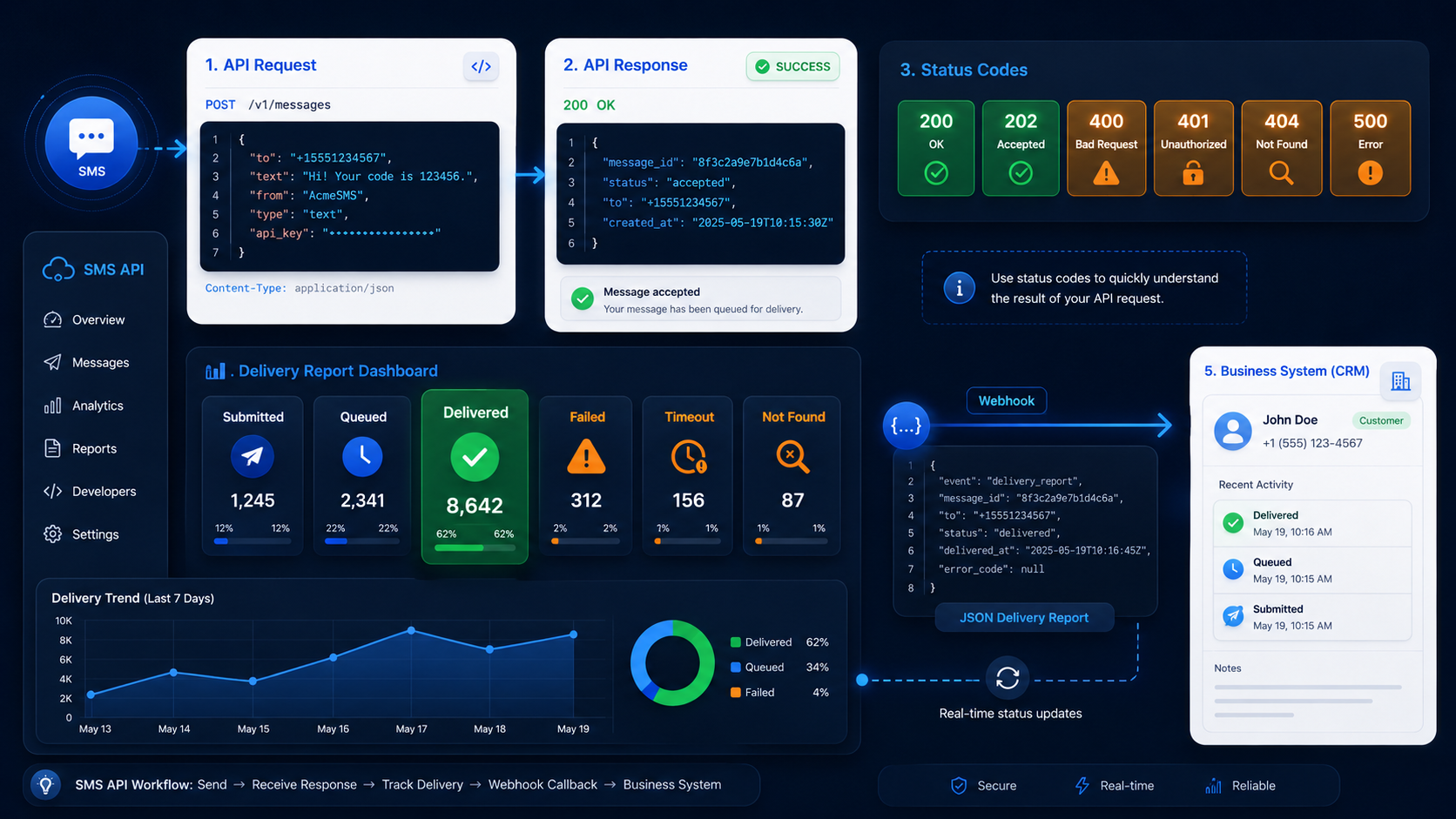
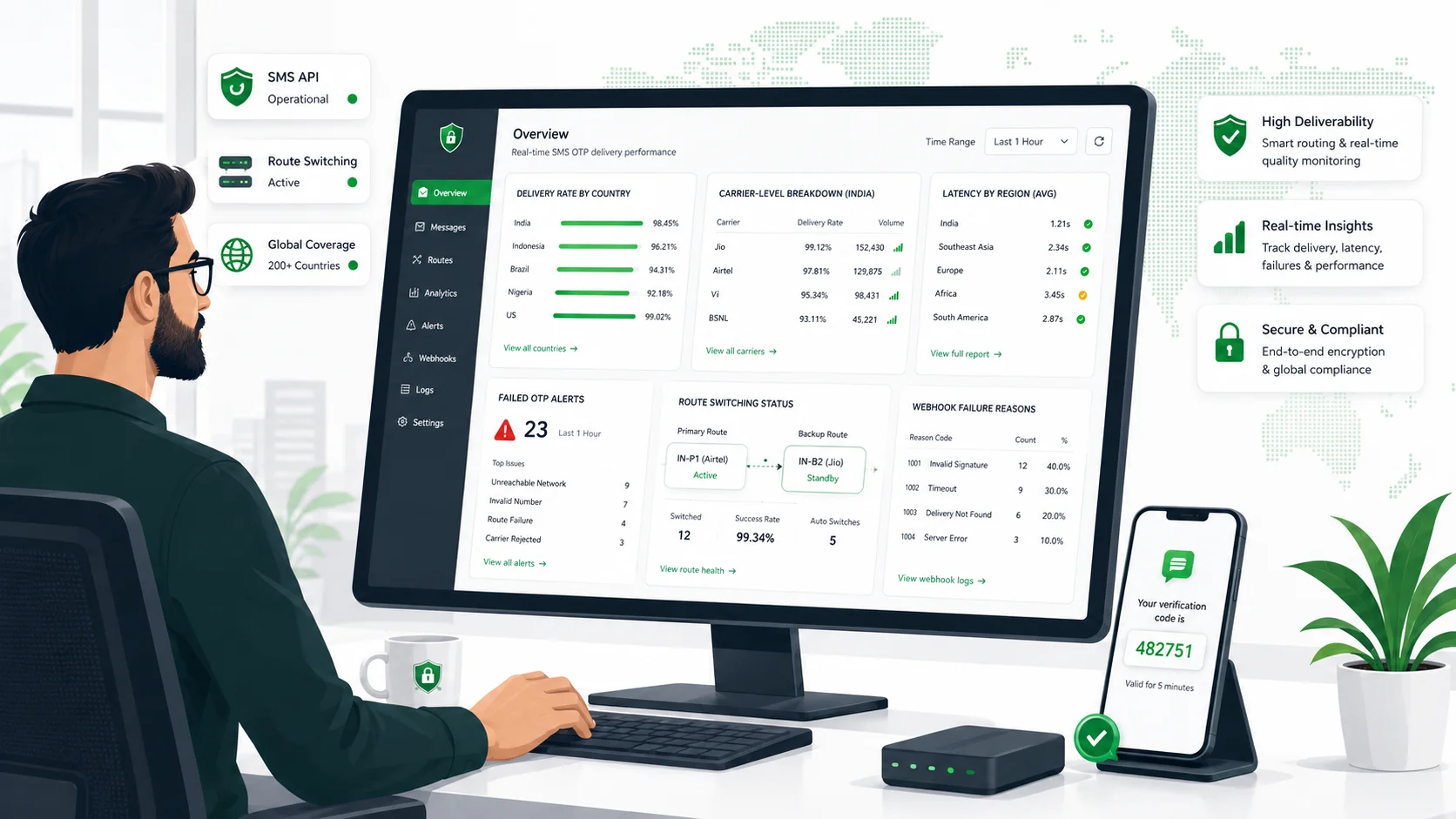
Once you have selected an international SMS provider, do not begin with a large send. Start by preparing the information that affects how your messages are set up: destinations, message purpose, sender display, traffic level, connection method, and test plan.
This work is practical, not ceremonial. It helps you avoid discovering basic differences between countries, message types, or sending methods on launch day. The more specific your starting information is, the easier it is to set up the first messages and test the same conditions you plan to use later.
SMSBoosting combines an SMS-focused platform with HTTP and SMPP API access. Its dedicated team can support pre-send checks, country and sender questions, route follow-up, test sends, and review of sending results. If you first need the broader service context, see international bulk SMS for marketing, OTPs, and notifications. This checklist covers the period after you choose a provider and before you send production traffic. It is not a guide to comparing providers or a country-by-country rulebook.
Choose what will go live first
Start with the smallest useful launch. List the countries and message flows you want to start with, then leave later ideas for a later phase. A company may eventually use SMS for account alerts, delivery notices, promotions, and verification in several markets. Its first launch might be one account notice and one notification flow in two countries.
Write down four simple points:
- Countries included in the first launch
- Messages included in the first launch
- Messages you will add later
- A realistic date for the test and the first live send
This gives the provider a clear starting point. It also keeps a first test from becoming a test of every message, every country, and every team at once.
Make a country and message list
Create one line for each country and message type. “Global marketing” is too broad for setup. A promotional text and a sign-in code may need different sender, content, and delivery arrangements in the same country.
| Add to your list | What to include |
| Country | Where the recipients are located and when you expect to begin sending there |
| Message purpose | Marketing, customer notification, transaction update, or verification |
| Sender display | The name or number you want customers to see |
| Recipient list | Where the phone numbers come from and how you will keep the list current |
| Sample message | The actual wording, language, links, and dynamic fields |
| Usual volume | A normal day or month of sending |
| Busy period | The largest send you expect and what causes it |
| Sending method | Platform task, HTTP API, or SMPP connection |
| Test date | When you will send the first samples and review the result |
This list is simply a clean description of what you want to send. Use the same list when discussing destination and route questions with your provider. For a deeper look at international route preparation, see how to prepare cross-border SMS routes.
Share real message examples
“We send OTPs” or “we send marketing” is useful shorthand, but it does not show what the recipient will actually receive. Prepare two or three message examples for every flow. They do not need to be final marketing copy, but they should be close to the real message.
For example:
- Sign-in code: “Your ExampleCo sign-in code is 482913. Do not share this code.” Include any code placeholder, the trigger in your product, and the resend pattern you plan to use.
- Order update: “ExampleCo: your order 8451 has been dispatched. Track it at [link].” Include the link domain, the languages you need, and the order event that creates the message.
- Promotion: “ExampleCo: early access to our November offer ends Friday. Reply STOP to opt out.” Include the audience, send date, and localized versions if you need them.
Show every changing part of the message, such as a first name, order number, code, URL, currency, or date. A short English sample can become longer when real values are added or when it is translated. Giving the provider the real shape of the message is far more useful than a category label.

Estimate normal sending and busy periods separately
A monthly total does not show how your traffic behaves. Two businesses may each send 300,000 messages a month, but one sends steadily every day while the other sends most of its messages after a campaign announcement, a product release, or a payment run.
For each message flow, prepare:
- Your normal daily and monthly sending volume.
- Your largest expected send.
- When that busy period happens and how long it lasts.
- What causes it: a scheduled campaign, a product event, a notification run, or another business event.
- Any planned expansion, such as a new country or seasonal campaign.
Use a range if the number is still a forecast. “Up to 20,000 notifications during a planned release window” is more useful than a monthly total with no explanation. It helps the provider understand the traffic you plan to test and the traffic you plan to send after launch.
Decide how messages will be sent
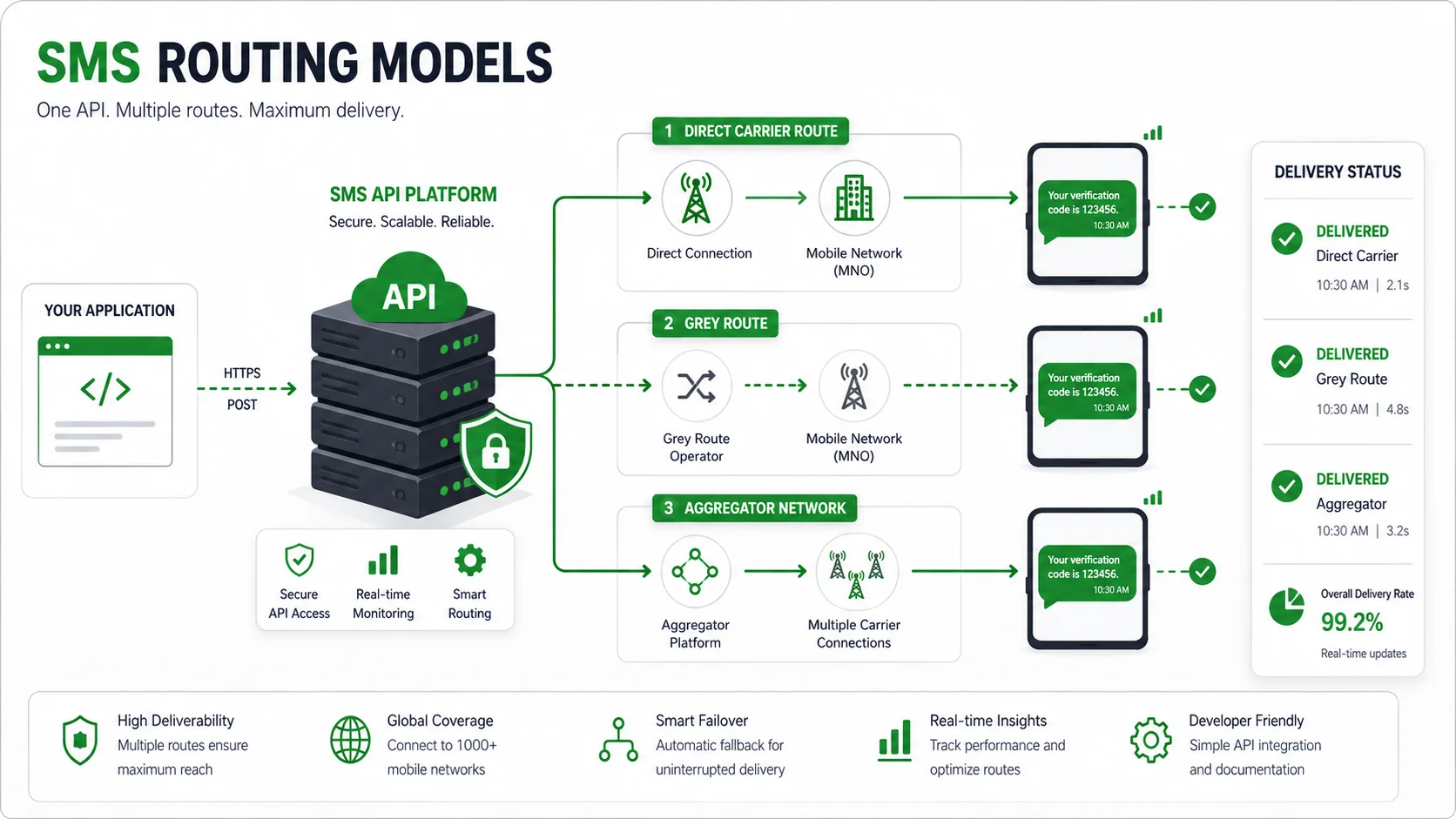
Choose the path that matches the way you work before account access is configured. The three common starting points are straightforward.
- SMSBoosting platform: Use the web platform when a team needs to create a task, add recipients manually or from a number file, select an application route, and review the task afterward. The platform supports fixed-content and dynamic-content SMS tasks and lets you give each task a name. During setup, SMSBoosting can also help review the sending plan and follow up on route questions.
- HTTP API: Use an HTTP API when your own application needs to create messages from events such as an account action, order update, or system notification. Prepare the system name, the expected request pattern, and the message and status information you want to keep in your application.
- SMPP connection: Choose this only when your technical setup requires SMPP. Prepare the connection environment, expected traffic, and the way your system will handle message statuses.
Some businesses use an integration to create messages and the platform to view tasks. That is fine. The key is to know what will create the message and where people will look when they need to check it. If you are deciding between those two starting points, choosing an SMS platform or SMS API explains the difference in plain terms.
For an API or SMPP setup, include the technical contact and a short description of the system that will send messages. Start with SMSBoosting API integration support when you are ready to discuss your connection method.
Decide what you need to see after sending
Before the first live send, decide which details you need to check. A useful view should make it easy to find a task or message and see what happened without searching through several systems.
For sends created in the platform, SMSBoosting Task Management shows the task name, application name, task ID, creation and scheduled-send times, current status, submission progress, total send count, success count, and fail count. Look at the fields that matter to your launch and make sure the people using the account know where to find them.
For messages created through an API, decide which identifiers and statuses your own system should keep. A request sent from your application, a later message status, and a customer action are different things. Keep them separate so a support question can be answered from the right information. For more background, read the factors that affect SMS deliverability.

Keep account and billing details ready
Account setup is easier when the basic contacts are ready before the test starts. Have the following information available:
- The email address used for the SMSBoosting account
- The person who handles account funding, recharge, invoices, or payment questions
- A technical contact for API or SMPP questions
- A contact who can answer questions about message wording, recipient lists, and sending dates
- A reachable contact during the test and first live send
You do not need a complicated approval chart. You simply need the right contact details available so an account, payment, technical, or message question can be resolved quickly.
Test the setup you will actually use
Run a small test with the same country, sender display, message format, and sending method planned for the first live send. A successful test from a different country or a different setup is useful, but it does not tell you how the planned launch will look.
Keep the first test simple:
- Send the real message sample to a small test group in each launch country.
- Test a dynamic message if your live messages use names, order numbers, links, or codes.
- Check the sender display, message wording, links, and available task or message statuses.
- Compare the result with the details in your country and message list.
- Repeat the test if you change the country, sender display, message content, sending method, or planned volume.
The purpose is not to prove every future scenario. It is to make sure the first live send uses a setup your team has already seen.
Use this simple launch checklist
Before moving from test messages to production traffic, confirm that you have:
- A list of launch countries and message types
- Real message samples, including variables and links
- The sender display you plan to use for each country
- Normal volume and busy-period estimates
- A chosen platform, HTTP API, or SMPP path
- A place to review task or message status
- Account, billing, technical, and day-of-launch contacts
- A completed test using the planned setup
Put these points in one short document or spreadsheet and share it at the start of onboarding. It gives the conversation a practical focus and makes the first launch easier to prepare.
If you are preparing an SMSBoosting launch, share your launch plan with the SMSBoosting messaging team. Send your countries, message examples, expected volume, and preferred sending method. The team can support the relevant platform or API setup, route follow-up, test sends, and a review of the results before you expand the program.