

People search for how to block SMS spam because unwanted texts are disruptive, suspicious, and sometimes risky. A spam message may come from an unknown number, include a link you do not trust, pretend to be a familiar brand, or keep arriving after you no longer want the message.
For users, blocking SMS spam is about protecting attention and reducing risk. For businesses, the same behavior carries an important lesson: if people block, report, ignore, or unsubscribe from your SMS messages, they may not see your brand as useful or trustworthy in that moment.
This guide explains how users can block or reduce SMS spam, then translates those actions into practical lessons for SMS marketing, transactional messaging, and A2P SMS teams.
What Does It Mean to Block SMS Spam?
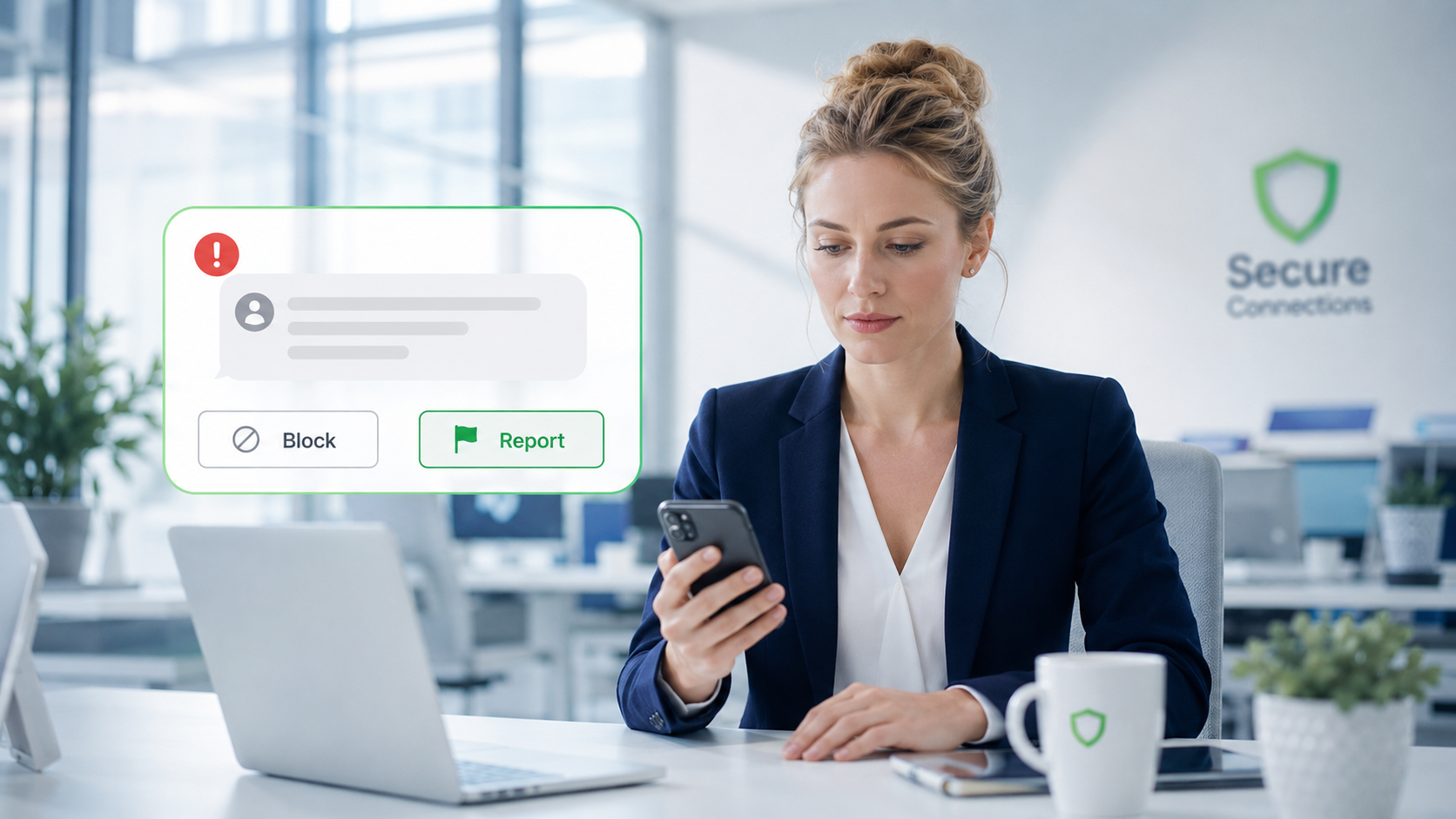
To block SMS spam means taking action so unwanted or suspicious text messages no longer interrupt you in the same way. Depending on the phone, carrier, country, and messaging app, this can include blocking a sender, reporting spam, filtering unknown senders, forwarding a spam message to a supported reporting number, or using built-in spam protection tools.
Blocking is not the same as reporting. Blocking usually stops or hides future messages from a sender on your device or messaging app. Reporting may also send information to a platform, carrier, or service provider so they can review spam or abuse patterns.
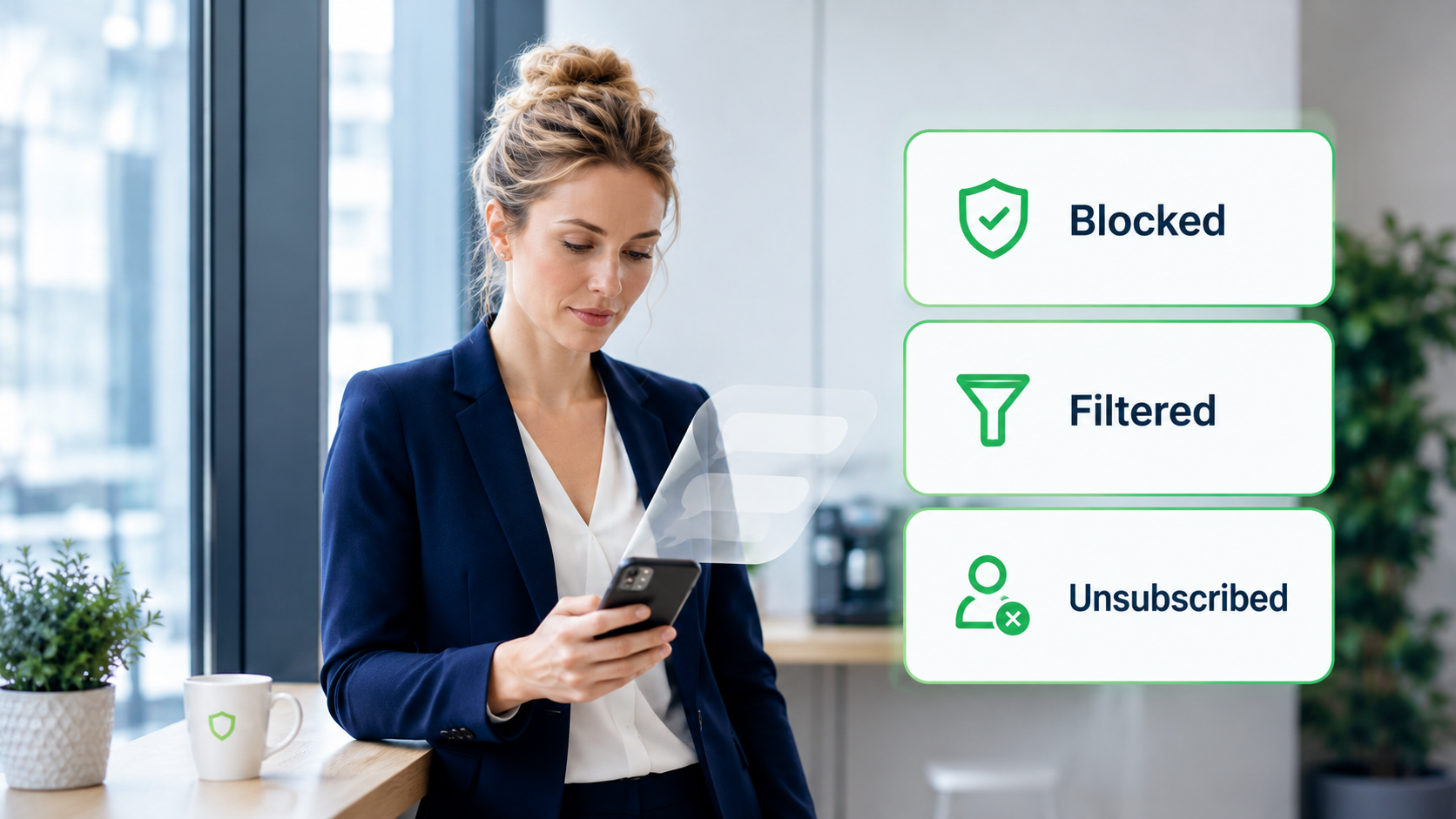
Filtering is different again. A filter may move unknown or suspicious messages out of the main inbox without deleting them. Unsubscribing is also separate: it is usually used for legitimate business messages that you no longer want to receive.
This distinction matters because not every unwanted message should be handled the same way. A suspicious message from an unknown sender may need to be blocked or reported. A legitimate promotion from a brand you recognize may be better handled through a clear opt-out or preference setting.
How Users Can Block SMS Spam
Block the Sender or Number
The most direct way to reduce repeated SMS spam is to block the sender or number. This is useful when the same source keeps sending suspicious, irrelevant, or unwanted messages.
Blocking is simple from a user perspective, but it has limits. Spammers may change numbers, use different sender identities, or send through new routes. Blocking one number may reduce repeated messages from that sender, but it may not stop all unwanted texts.
For businesses, this is an important signal. When users block a sender, they are usually not just rejecting one message. They are saying the sender does not feel useful, expected, or trustworthy enough to keep in their inbox.
Report Spam Texts in the Messaging App
Many messaging apps allow users to report spam directly. Reporting is stronger than simply ignoring a message because it may help the app or service identify unwanted or abusive messaging patterns.
In Google Messages, for example, reporting a conversation as spam also blocks the sender and moves the conversation into the Spam & blocked folder. Other apps and devices may handle reporting differently, so users should follow the options available on their own phone or messaging app.
For businesses, reports are more serious than low engagement. If users report messages, the issue may involve unclear consent, weak sender recognition, irrelevant content, suspicious links, or poor frequency control. Teams should treat reports as trust feedback, not just a messaging metric.
Forward Spam SMS to 7726 Where Supported
In some markets, users can report unwanted texts by forwarding them to 7726, which spells SPAM on a phone keypad. This option depends on the country, carrier, and service provider, so users should check whether their provider supports it.
This is most useful for suspicious or clearly unwanted texts. Users should avoid clicking links or replying with personal information before reporting. If a message appears to impersonate a bank, delivery company, government service, or account security notice, it is safer to verify through the official website or app rather than the link in the text.
For businesses, this shows why trust signals matter. If a legitimate message looks suspicious enough that a user reports it, the business may have a sender identity, link, relevance, or expectation problem.
Filter Unknown Senders on the Phone
Some phones allow users to filter messages from unknown senders. This can reduce interruptions from numbers or sender IDs that are not saved as contacts or recognized by the device.
Filtering unknown senders does not always mean those messages are deleted. In many cases, they are moved to a separate folder or shown with reduced visibility. That can be helpful for users, but it also means some legitimate business messages may be missed if the sender is not recognizable.
This is where business SMS teams should pay close attention. If users do not recognize your sender, your message may lose visibility even if it is not technically blocked. Recognition is part of SMS performance.
Use Carrier or Messaging App Spam Protection
Carriers, phone systems, and messaging apps may provide spam protection or blocking tools. These tools can help users reduce unwanted messages, especially when spam patterns are common or when a sender has already been reported.
Users should review the spam protection options available on their device and through their mobile provider. The exact features vary. Some tools identify likely spam, some separate suspicious messages, and some allow users to block or report senders.
For businesses, this means SMS visibility is not only about sending a message successfully. The message also needs to pass the user’s trust test. A familiar sender, clear purpose, relevant content, and safe link experience can all influence whether users keep receiving and reading business messages.
Avoid Clicking Suspicious SMS Links
Users should be cautious with links in unexpected SMS messages. A link may lead to a phishing page, a fake login screen, a payment scam, or a page that does not match the sender’s identity.
A good rule is to avoid clicking links when the sender is unfamiliar, the message creates pressure, the domain looks strange, or the message asks for sensitive information. Instead, users should go directly to the official website or app of the company or service.
For businesses, links are a trust issue. If your SMS includes a link, the domain should look familiar, the landing page should match the brand, and the message should clearly explain why the user is being sent there. A confusing link can make a legitimate message feel like spam.
Unsubscribe from Legitimate Business SMS When Appropriate
Not every unwanted SMS is malicious. Sometimes users receive legitimate business messages that they no longer want. In those cases, a clear unsubscribe or opt-out path is often better than blocking or reporting.
For example, a user may want order updates but not promotions. Or they may want account alerts but not weekly campaign messages. A good opt-out or preference flow gives users control without forcing them to block the sender entirely.
For businesses, this is a major trust lesson. If the opt-out path is unclear, users may choose the faster option: block, report, or ignore. A visible and reliable opt-out process can reduce frustration and protect long-term sender trust.
What Happens After Users Block or Report SMS Spam?
After users block or report SMS spam, future messages from that sender may be hidden, moved to a separate folder, or prevented from creating normal notifications. The exact result depends on the phone, messaging app, carrier, and user settings.
From the user’s point of view, this is a control mechanism. From the business point of view, it is a warning sign. If users are blocking or reporting messages, the sender may be losing trust.
This is different from a simple unsubscribe. An unsubscribe can mean the user no longer wants a certain type of message. A block or spam report often means the message felt unwanted, suspicious, intrusive, or difficult to control.
That is why businesses should not look only at sent or delivered status. A message can be sent and still fail to create value if users block the sender, filter the message, or stop trusting the brand. For a broader performance view, see our guide to SMS deliverability.
Why Businesses Should Care About SMS Blocking Behavior
Businesses should care about SMS blocking behavior because it shows how users experience the channel. People rarely block messages they clearly expect, recognize, and find useful.
When users block business SMS, the problem is often not SMS itself. The problem may be a weak permission process, unclear sender identity, too many messages, irrelevant content, or a poor opt-out experience.
This matters for SMS marketing, transactional SMS, OTP messages, and customer notifications. A user who blocks a sender because of irrelevant promotions may also miss useful order updates later. A user who does not recognize a sender may ignore a legitimate login code. A user who cannot stop unwanted campaigns may report the sender instead.
For SMS teams, blocking behavior should be treated as part of the feedback loop. It belongs next to opt-outs, complaints, engagement, conversion, delivery performance, and market-level differences.
What Makes Users Block Business SMS?
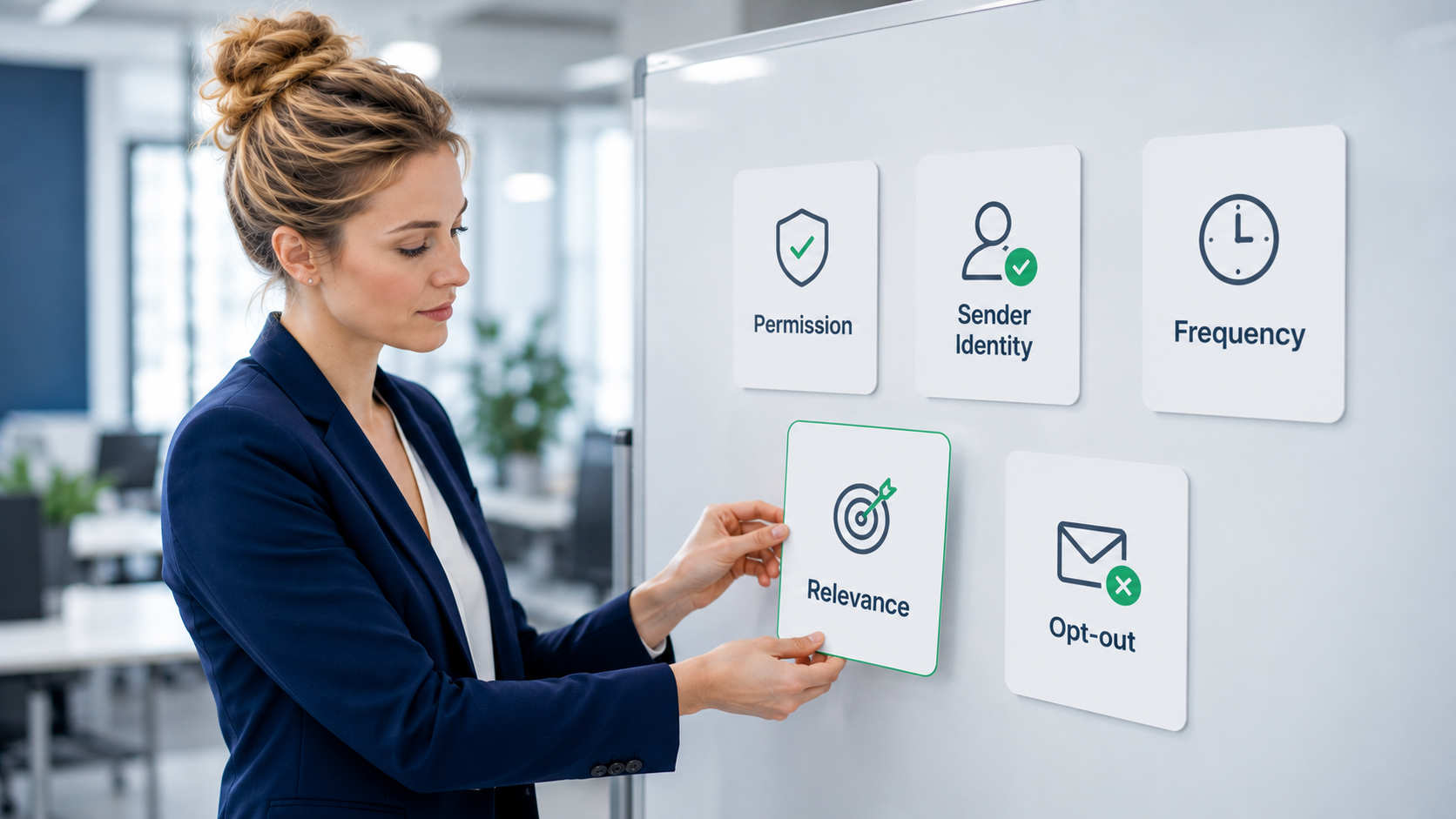
Users usually block business SMS when the message feels unexpected, unrecognized, too frequent, irrelevant, or difficult to control. These signals help teams understand where trust is breaking down before complaints become a larger performance issue.
They Did Not Expect the Message
Users are more likely to block business SMS when they did not expect to receive it. This can happen when a list was imported without clear permission, when consent language was too broad, or when the message type does not match the user’s original reason for signing up.
Expectation is especially important in business messaging. Someone who agreed to receive delivery updates may not expect promotional campaigns. Someone who requested an OTP may not expect follow-up marketing.
Businesses should align message type with permission. Clear consent reduces the chance that a message feels like spam.
They Do Not Recognize the Sender
Users may block messages when they cannot identify who sent them. This can happen with unfamiliar numbers, inconsistent sender IDs, generic sender names, or landing pages that do not match the brand.
Recognition is a basic trust signal. If users need to guess who sent the message, the message is already under suspicion.
Businesses should make the sender easy to recognize. The sender identity, brand name, message content, and link domain should feel connected.
The Message Arrives Too Often
Even legitimate messages can become annoying when they arrive too often. High frequency can turn a useful channel into a source of interruption.
This is common in promotional SMS. A user may welcome occasional offers but block the sender after repeated campaigns in a short period. Frequency problems are not only about volume; timing and relevance also matter.
Businesses should set frequency rules based on message type, user behavior, market expectations, and campaign importance. More messages do not always create more value.
The Content Feels Irrelevant
Users block messages when the content does not feel relevant to them. A generic promotion, a mismatched offer, or a campaign sent to the wrong segment can make the user feel that the brand is not paying attention.
Relevance is one of the strongest ways to protect SMS trust. Because SMS is direct and personal, weak targeting can feel more intrusive than it would in some other channels.
Businesses should segment audiences carefully and send messages that match the user’s stage, behavior, and relationship with the brand.
The Opt-Out Path Is Unclear
When users cannot find a clear way to stop receiving messages, they may block or report the sender. This can turn a manageable preference issue into a trust problem.
A clear opt-out path gives users control. It also helps businesses understand whether users dislike a specific campaign type, a frequency level, or the entire SMS relationship.
Businesses should make opt-out instructions easy to understand and reliable. If users trust the opt-out process, they are less likely to use blocking as the only escape route.
How Businesses Can Reduce the Chance of Being Blocked
Get Clear Permission Before Sending
The best way to reduce blocks is to start with clear permission. Users should understand what type of messages they are signing up for and why they will receive them.
Permission should not be treated as a one-time formality. It should match the message type. Marketing campaigns, transactional updates, and verification messages serve different purposes and create different user expectations.
If your audience source is unclear, review it before sending at scale. A weak list can create complaints even if the message itself is well written.
Make the Sender Easy to Recognize
A recognizable sender helps users decide whether to trust a message. Use consistent brand wording, avoid confusing sender changes where possible, and make the message purpose clear early.
If a link is included, the domain should support recognition rather than create doubt. A short message with an unfamiliar link and unclear sender identity can look suspicious even when it is legitimate.
Sender clarity is especially important across countries and regions, where sender formats and user expectations may vary.
Send Messages People Actually Want
Useful SMS is less likely to be blocked. This means the message should be relevant, timely, and connected to the user’s relationship with the brand.
For marketing SMS, relevance may come from behavior, lifecycle stage, purchase history, location, or preference. For transactional SMS, relevance comes from accuracy and timing. For OTP and verification SMS, relevance comes from speed, clarity, and trust.
Before sending, ask whether the recipient has a reason to care about the message now. If not, the campaign may create more fatigue than value.
Control Frequency and Timing
Frequency control helps prevent message fatigue. Even users who like a brand may block SMS if they receive too many messages too quickly.
Timing also matters. Messages sent at inconvenient hours, during irrelevant moments, or too close together can feel intrusive.
Businesses should monitor response patterns and opt-out behavior by campaign type. If opt-outs rise after a volume increase, the issue may be frequency rather than copy alone.
Make Opt-Out Easy to Find
A clear opt-out process protects user trust. It tells users they have control and do not need to block or report the sender to stop receiving unwanted messages.
Opt-out instructions should be simple, visible, and reliable. If a user opts out, that request should be respected across the relevant sending systems.
For multi-platform teams, this requires coordination. CRM tools, marketing automation systems, e-commerce platforms, and SMS providers should not send conflicting messages after a user has opted out.
Monitor Opt-Outs, Complaints, and Delivery Patterns
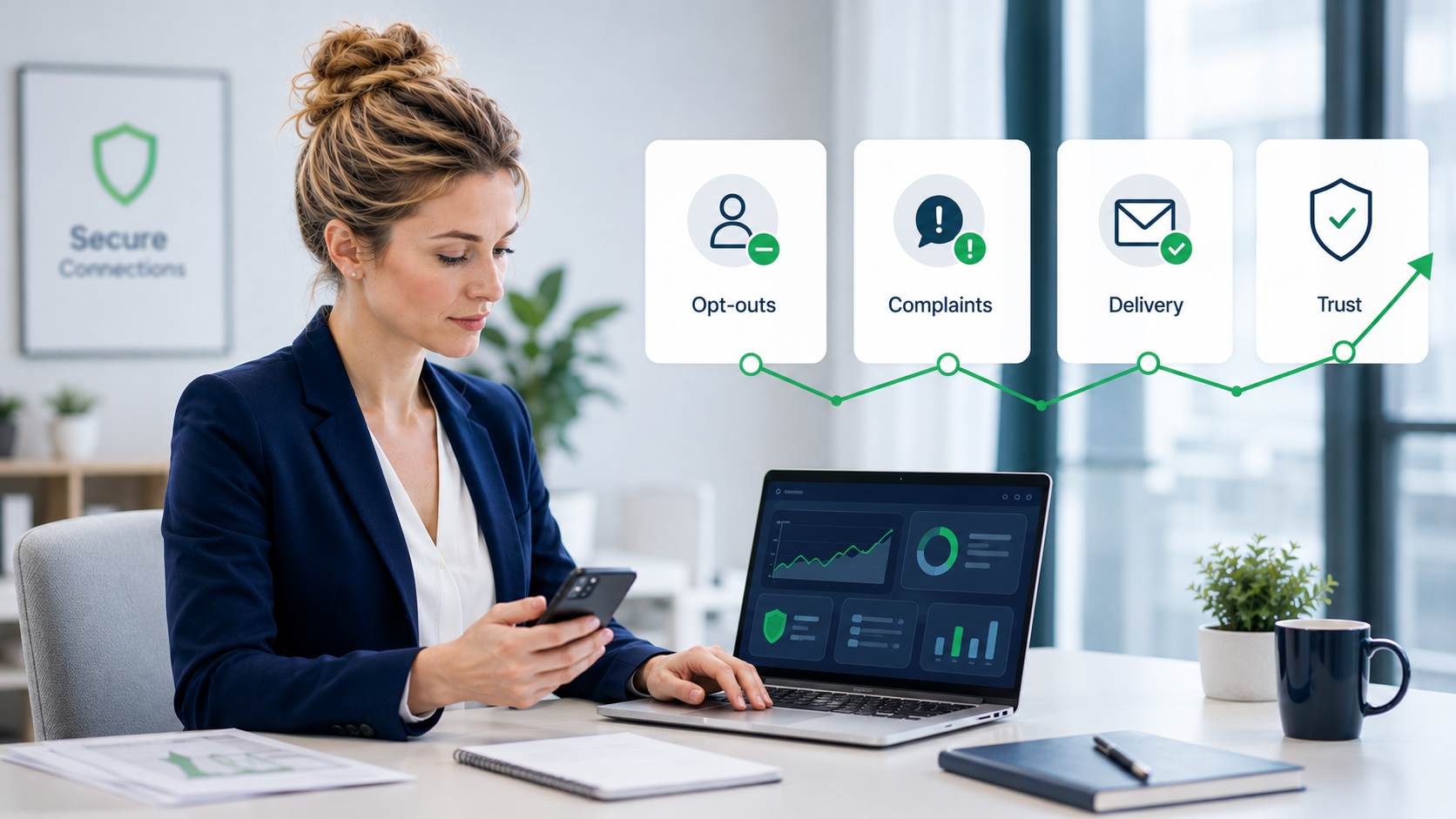
Businesses should monitor more than delivery status. Opt-outs, complaints, blocked-user feedback, click behavior, market-level performance, and campaign engagement all help reveal whether users trust the SMS experience.
A rising opt-out rate may show message fatigue. More complaints may show expectation or sender problems. Lower engagement in one market may point to timing, routing, sender recognition, or local expectations.
Monitoring helps teams fix problems before users move from ignoring messages to blocking or reporting them. Teams comparing delivery patterns across business use cases may also find this guide to A2P SMS deliverability useful.
What This Means for SMS Marketing and A2P Messaging Teams
For SMS marketing and A2P messaging teams, block SMS spam behavior is not only a consumer safety topic. It is also a signal about message quality and user trust.
A healthy SMS program is not built only on volume. It depends on permission, sender recognition, relevance, timing, opt-out quality, and delivery monitoring. When those elements are weak, users are more likely to treat messages as unwanted.
Teams should review the full SMS experience:
- Did the user clearly agree to receive this message type?
- Will the user recognize the sender?
- Is the message useful at this moment?
- Is the frequency reasonable?
- Is the opt-out path clear?
- Are complaints or opt-outs rising?
- Do some markets perform worse than others?
- Are users saying they did not notice or trust the messages?
These questions help businesses move from “How do we send more SMS?” to “How do we send SMS people actually want?”
When to Review Your Business SMS Sending Setup
You should review your SMS sending setup when blocking, complaints, opt-outs, or uneven performance begin to rise. These signals often show that users are pushing back against the current messaging experience.
Common signs include:
- Opt-outs increase after a campaign or volume change
- Users report that messages feel irrelevant or too frequent
- Complaints rise in one destination market
- Promotional messages underperform after a sender change
- Users say they do not recognize the sender
- OTP or transactional completion rates decline
- Delivery performance varies widely across countries or routes
When these signs appear, review both user experience and delivery setup. Message relevance and permission matter, but so do SMS routing quality, sender configuration, market handling, and monitoring.
SMSBoosting helps businesses evaluate A2P SMS delivery performance, routing quality, and sending setup across markets. If your team is seeing rising opt-outs, complaints, or inconsistent delivery results, reviewing the full SMS chain can help identify whether the issue is user trust, campaign design, route performance, or market-specific handling.
Need to Review Why Users Block or Ignore Your SMS?
If your team is seeing more opt-outs, complaints, blocked-user feedback, or inconsistent delivery results across markets, SMSBoosting can help review routing quality, sender setup, delivery monitoring, and A2P SMS sending patterns.
Talk to an SMS expertFAQ
Is blocking SMS spam the same as reporting it?
No. Blocking usually stops or hides future messages from a sender on your device or messaging app. Reporting may also send spam or abuse information to a platform, carrier, or service provider for review. Some apps combine these actions, but they are still conceptually different.
Should users reply STOP to every unwanted SMS?
No. Replying STOP is generally appropriate for legitimate business messages from senders you recognize and no longer want to hear from. If a message looks suspicious, impersonates a trusted organization, or asks for sensitive information, it may be safer to avoid replying and use reporting or blocking options instead.
Can filtering unknown senders hide legitimate business messages?
Yes, it can reduce the visibility of legitimate messages if the sender is not recognized. This is useful for users who want fewer interruptions, but it also means businesses need clear sender identity and consistent branding.
Why do users block legitimate business SMS?
Users may block legitimate business SMS when they did not expect the message, do not recognize the sender, receive messages too often, find the content irrelevant, or cannot find a clear opt-out path.
How can businesses reduce SMS complaints and blocks?
Businesses can reduce complaints and blocks by getting clear permission, using recognizable senders, sending relevant messages, controlling frequency, making opt-out easy, and monitoring complaints, opt-outs, engagement, and delivery patterns across markets.
Conclusion
Users block SMS spam to protect themselves from unwanted, suspicious, or disruptive messages. They may block senders, report spam, forward messages where supported, filter unknown senders, use spam protection tools, avoid suspicious links, or unsubscribe from legitimate business SMS they no longer want.
For businesses, the lesson is clear: people do not block SMS because the channel is inherently bad. They block messages that feel unexpected, unrecognized, too frequent, irrelevant, suspicious, or hard to control.
A stronger SMS program starts with user trust. Clear permission, recognizable sender identity, relevant content, reasonable frequency, simple opt-out, and active monitoring can reduce the chance that users block or report your messages.
If your team is seeing rising opt-outs, complaints, or inconsistent SMS performance across markets, SMSBoosting can help review routing quality, delivery monitoring, and A2P SMS sending setup so you can understand where the problem may be coming from.



