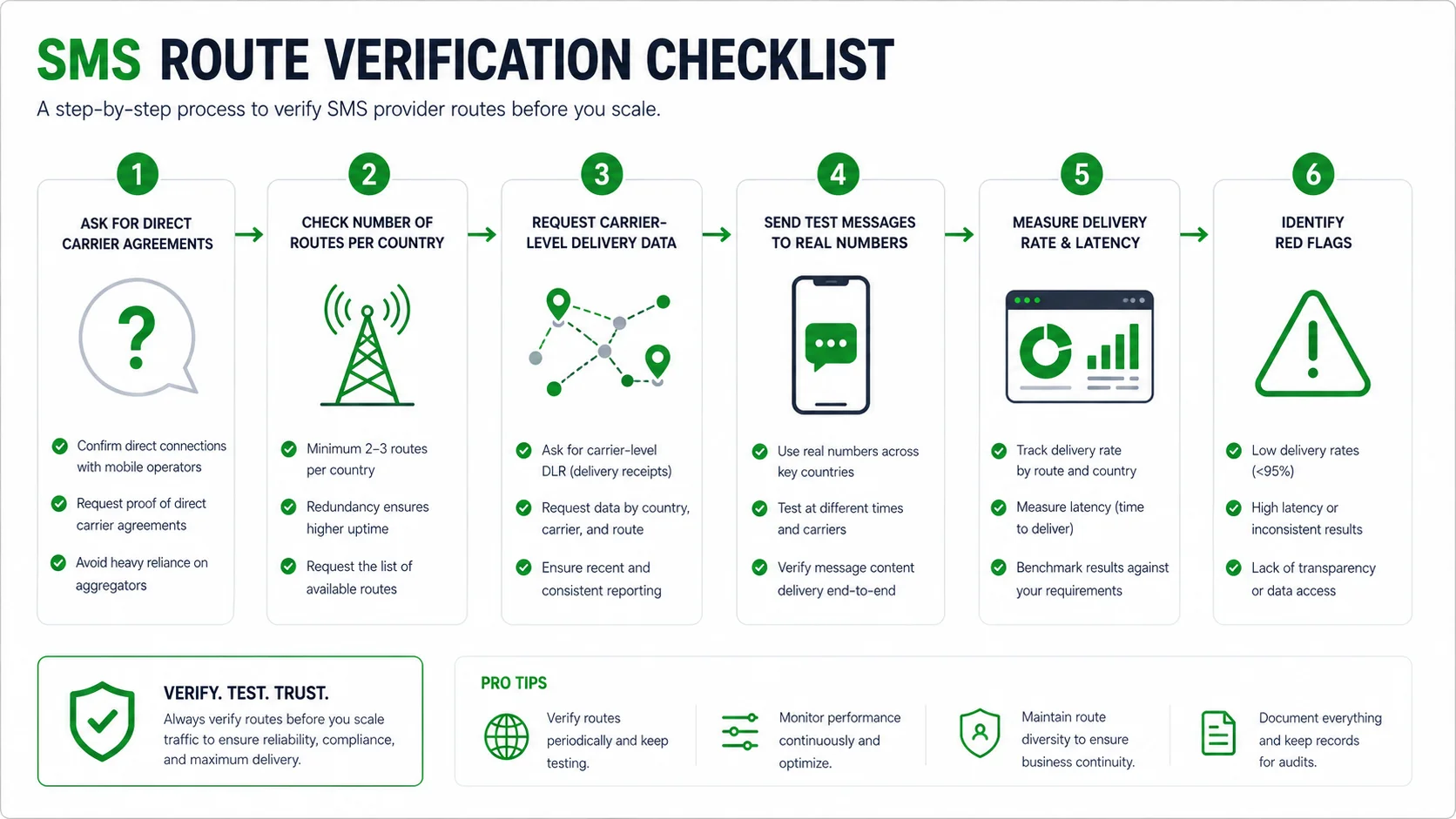
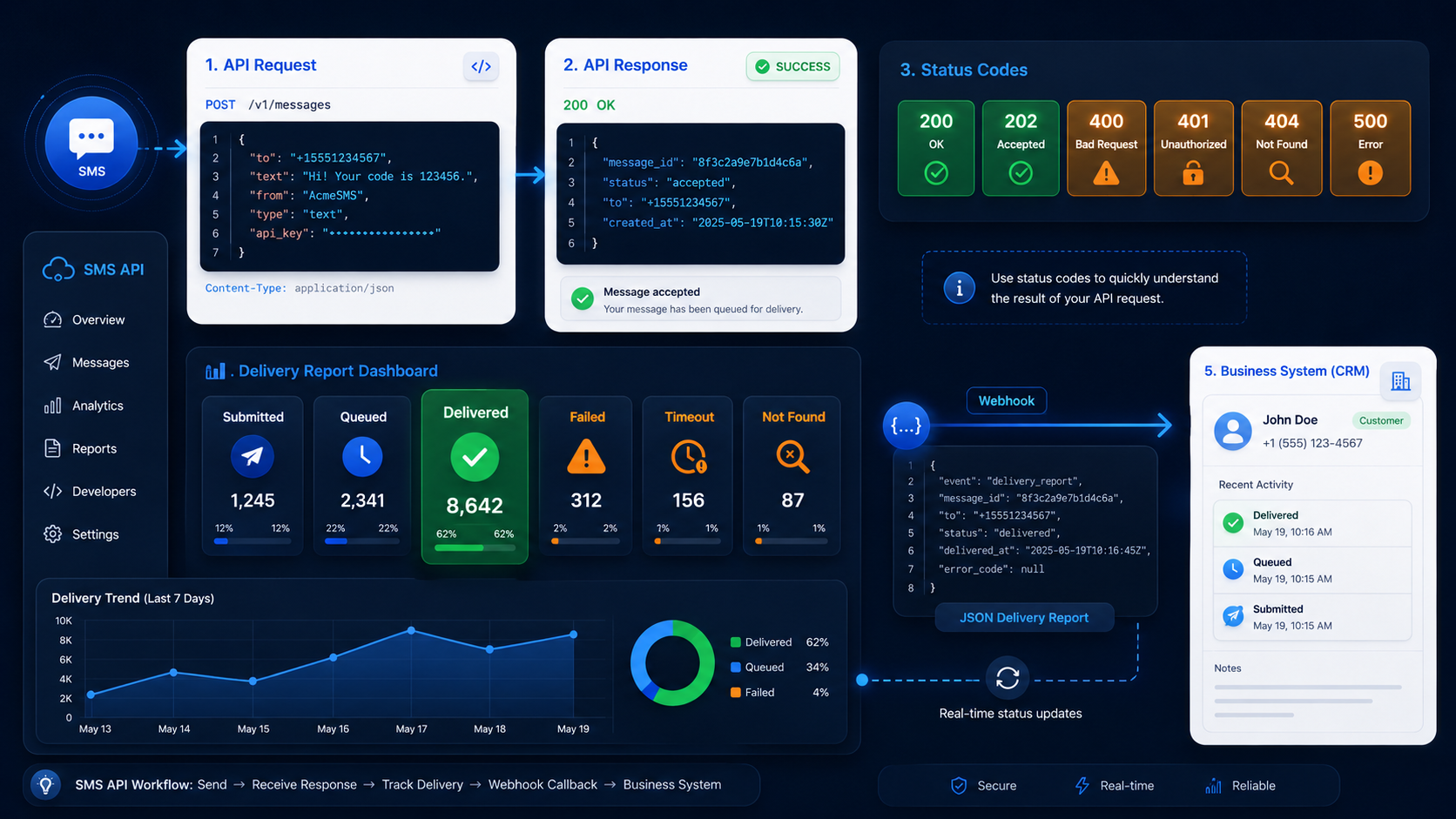
An international SMS dashboard should answer a simple question before anyone looks at a global delivery rate: which country changed, and what changed inside that country?
One worldwide percentage can hide a serious local problem. Delivery may fall only for a particular country, mobile network, sender, message type, or route. At the same time, a rise in pending messages may signal trouble before the failed count moves at all.
The practical answer is to monitor the same traffic through several views: country first, then carrier where that data exists, then sender, route, status, and delivery time. This article explains how to build those views and how to use them when delivery falls in one market.
Track SMS delivery by country, carrier, sender, and route
Every SMS record needs enough detail to be grouped in more than one way. The basic delivery dashboard should include the fields below. If the platform does not return a field, leave it blank or label it unknown rather than filling it with an assumption.
| Field | How to use it in monitoring |
| Destination country | Your first view of delivery performance; compare one country with its own recent results |
| Carrier or mobile network | Use only when a provider, lookup service, or delivery report supplies it; compare networks within the same country |
| Sender | Helps show whether a drop is limited to one sender identity |
| Message type | Separates login codes, payment alerts, notifications, and promotional traffic with different timing needs |
| Route, channel, or application | Shows whether a change is tied to a particular sending setup |
| Submission time and latest status time | Lets you measure how long a message has been waiting |
| Message ID and task ID | Lets you open individual records behind an unusual chart or count |
Carrier data needs special care. A country has more than one mobile network, and a phone-number prefix may not tell you which network currently serves a number. Do not present an estimated carrier breakdown as an exact result. If no carrier field is available, keep the main dashboard at country level and use sender, route, and message type for the next level of detail.
SMSBoosting provides country, channel, available-route, route-status, task-status, submission-progress, success-count, and fail-count views. Its SMS API returns message IDs for successful submissions and supports report queries, so an application can connect a send request to a later result.
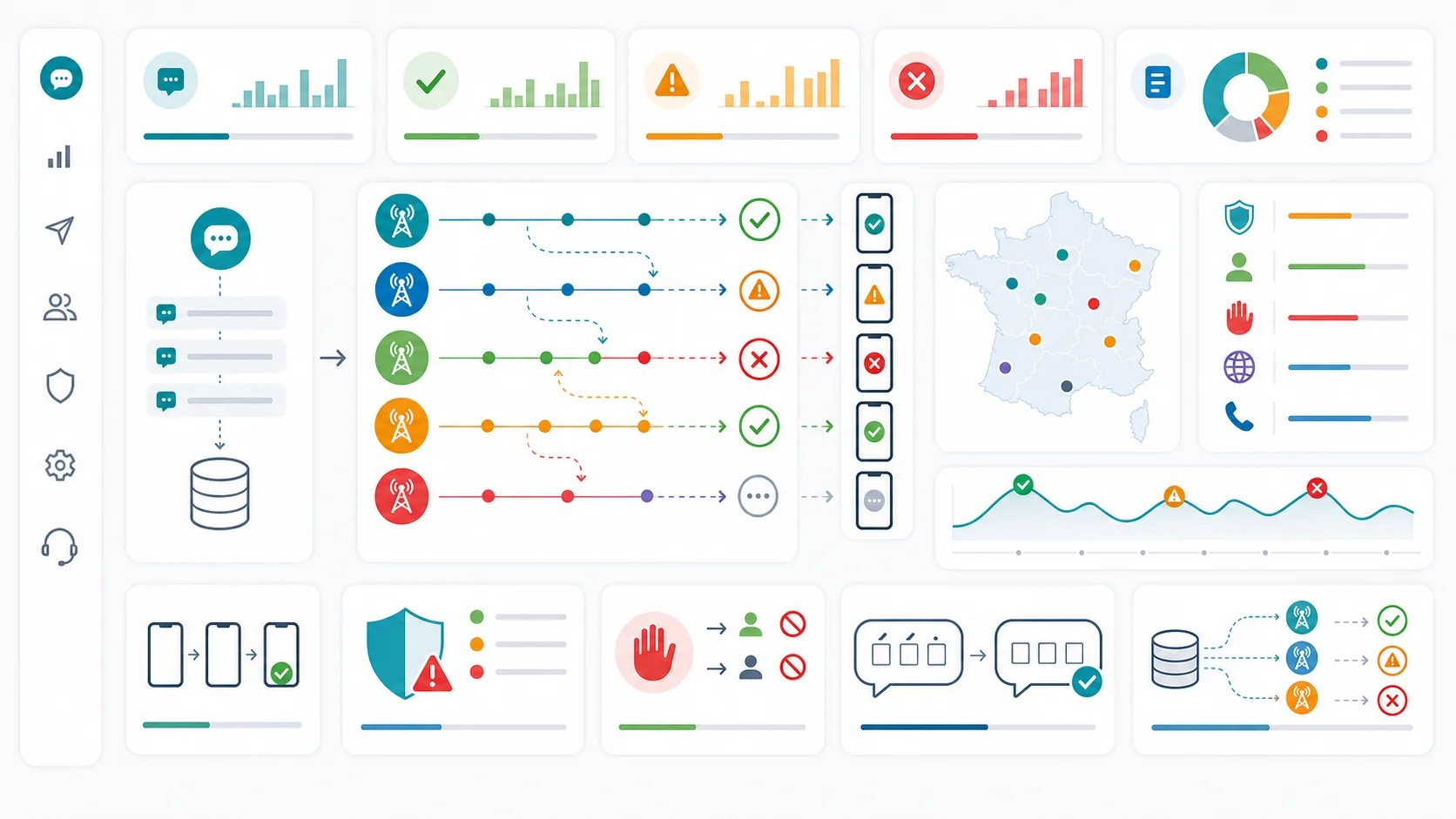
Show accepted, pending, delivered, and failed messages separately
Do not turn every positive response into a delivery result. An API can accept a request before the message is delivered, and a message can remain pending for some time before the platform reports a final result.
Use four main status groups in the dashboard:
Swipe horizontally to view the full table.
| Dashboard status | Typical source values | What to watch |
| Accepted | Accepted, submitted, queued by provider | Submission volume and the age of messages that have not moved on |
| Pending | Queued, sending, in progress, sent but not confirmed | A rising count or longer wait time within one country or route |
| Delivered | Delivered, delivery success, receipt confirmed | Delivery count and delivery time, not only the percentage |
| Failed | Delivery failure, undeliverable, downstream rejection, expired | The original error code, country, sender, route, and message type |
Keep rejected API requests outside these four groups. A bad request, invalid number format, authentication problem, or blocked sender should be fixed before normal sending begins. Mixing rejected requests with later delivery failures makes both problems harder to see.
Different providers name the same stage differently. Keep the original status value beside the dashboard group. For example, one provider may use “queued,” another may use “submitted,” and a third may use “accepted.” The group makes daily reporting readable; the original value helps when a new or unusual result appears.
SMSBoosting separates submission and report results in its SMS API. The available report statuses include unsent, sending, delivery success, delivery failure, delivery timeout, and unknown status. Use the status names from the account you are monitoring, rather than assuming that every setup returns the same fields.
Compare countries before you compare the global total
Start each review with a country table sorted by messages sent, failed messages, pending messages, or delivery time. A useful row includes the country, total messages, delivered count, failed count, pending count, and typical time to a final result.
This view quickly separates a broad issue from a local one. If delivery changes in several countries at the same time, look at the sending application, shared content, or a common configuration. If it changes in one country only, inspect the sender, route, message type, and carrier data for that country before drawing a conclusion.
Compare each country with its own recent history at a similar time of day and traffic level. A country that normally receives a few hundred messages per day should not be judged against a high-volume market. Likewise, a password-reset flow should not share the same timing expectation as a nonurgent notification.
For a multi-country operation, create these four dashboard views:
- Country view: Delivery, failure, pending volume, and delivery time by destination country.
- Carrier view: The same measures by mobile network within a country, but only when the carrier field is available.
- Sender and route view: Delivery and pending results for each sender and route used in the affected country.
- Message-type view: Results for login, payment, account, order, or promotional messages, so one flow does not hide another.
The order matters. A carrier view is useful only after the country view shows a change and only when the carrier data is dependable. Otherwise, a detailed carrier chart can create false confidence while the real difference is a sender or route change.
Monitor pending messages and delivery time
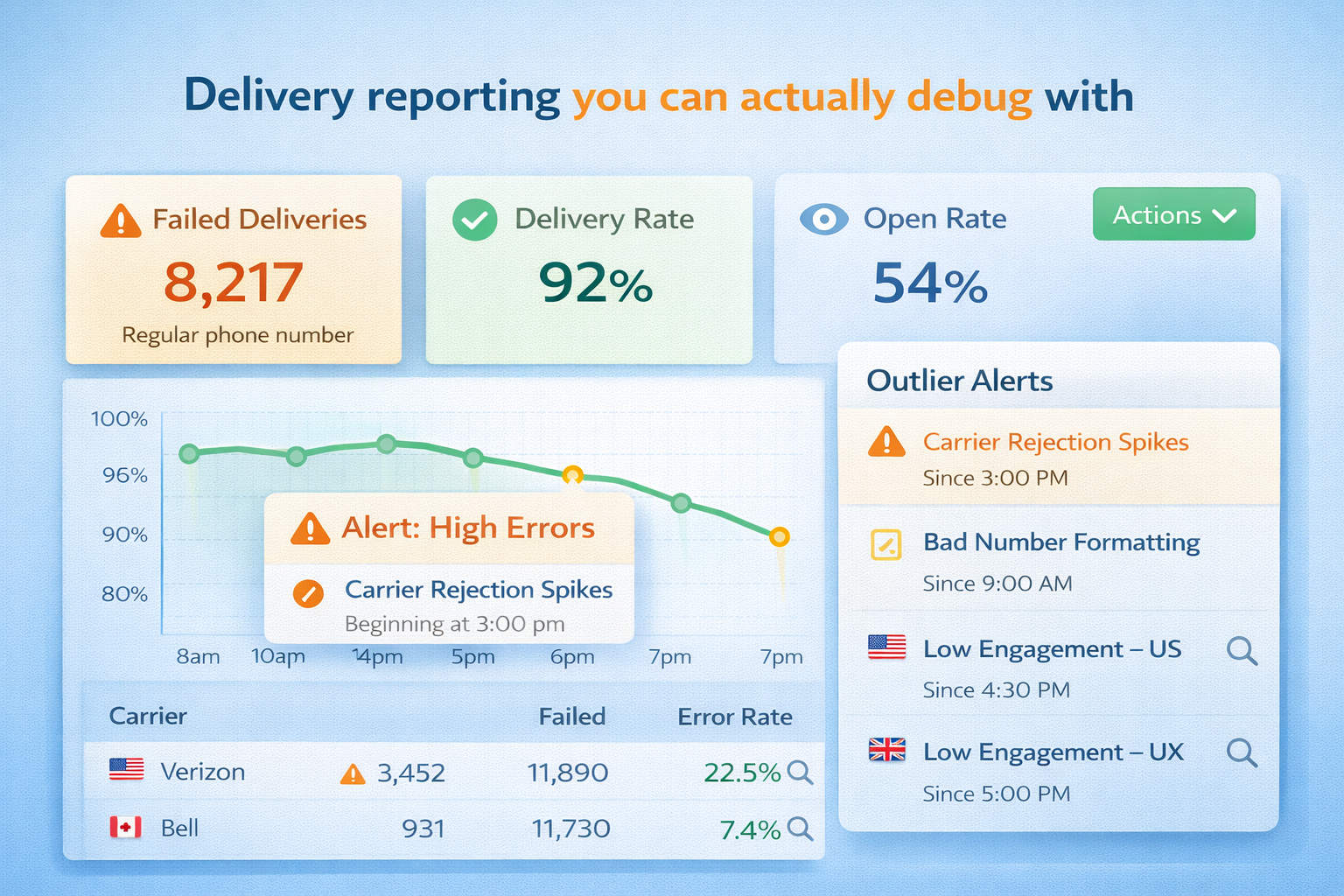
Final delivery and failure counts tell you what finished. Pending messages and delivery time tell you whether the sending path is slowing down.
For each message, keep the submission or acceptance time, the latest status time, and the final status time when one exists. Calculate the time between acceptance and the latest update for pending messages, and the time between acceptance and final status for messages that have finished.
Then show two measures beside the delivery rate:
- how many messages have been pending longer than normal for that country and message type; and
- whether the usual delivery time is getting longer, even if most messages still finish as delivered.
There is no universal number of seconds or minutes that defines a delivery problem. The right watch period depends on the message. A login code usually needs attention sooner than an order update, and normal timing may differ by country and route. Use each group’s normal pattern instead of a single time limit for every market.
Set alerts from each country’s normal pattern
Alerts work best when they identify a meaningful change, not when they apply the same rate to every country. A small percentage change in a low-volume country can be normal variation. A smaller change in a busy login flow can matter immediately.
Build an alert around three checks:
- Enough messages: The group has enough traffic that a change is worth reading.
- A clear difference: Failure, pending volume, or delivery time is worse than usual for that country, sender, route, and message type.
- A useful time window: The change lasts longer than a brief fluctuation or occurs in a message flow that cannot wait.
Show the current value and the usual range together. A rate without its message count can be misleading, so include both. Also show the number of messages still pending. A delivery rate based only on completed messages can look stable while the unfinished group grows.
Review alert rules after a new country, sender, route, or message flow goes live. Early traffic does not provide a dependable normal pattern. Until it does, watch the country more closely instead of treating an arbitrary number as a permanent threshold.
How to investigate a delivery drop in one country
When a country changes, move from the wide view to the smallest affected group. This keeps the work focused and avoids blaming a carrier or route before the data points there.
- Check the country total. Confirm the delivery, failed, pending, and message-volume change in the current time window.
- Split the country by sender and route. If only one sender or route changed, compare it with the others in the same country.
- Split by message type. A drop in login traffic may not appear in order notifications, even when both are sent to the same country.
- Look at the carrier view, if available. Check whether the change is concentrated in one reported network or appears across all reported networks.
- Check timing. A jump in pending messages points to a different question from a completed delivery failure.
- Open message records. Compare recent failed or delayed messages with delivered messages from the same country, sender, route, and message type. Look at IDs, status history, error codes, and send time.
- Check what changed around the first drop. Look for application releases, sender changes, route selection, message text, scheduled sends, or a large traffic increase.
At the end of this sequence, you should be able to state the pattern plainly: for example, “delivery time increased for payment alerts in one country after a route change,” or “failures increased for one reported mobile network while other networks stayed stable.” That is much more useful than a global statement that delivery is down.
Recognize common country and carrier patterns
The pattern in the dashboard often points to the next place to look. It does not prove the cause by itself, but it stops the investigation from starting everywhere at once.
| What you see | First comparison to make |
| Failed messages rise in one country across several senders | Compare routes, message types, and the start time of the change within that country |
| Only one sender performs worse in one country | Compare that sender with other senders using the same country and route |
| Pending messages grow but failures do not | Compare the age of pending messages and the timing of status reports |
| One reported mobile network changes while others are stable | Compare message type, sender, route, and time for that network with the rest of the country |
| One message type changes across several countries | Compare the message text, sending application, and recent release changes |
| A high delivery rate sits beside a large pending count | Compare completed messages with the unfinished group before treating the rate as healthy |
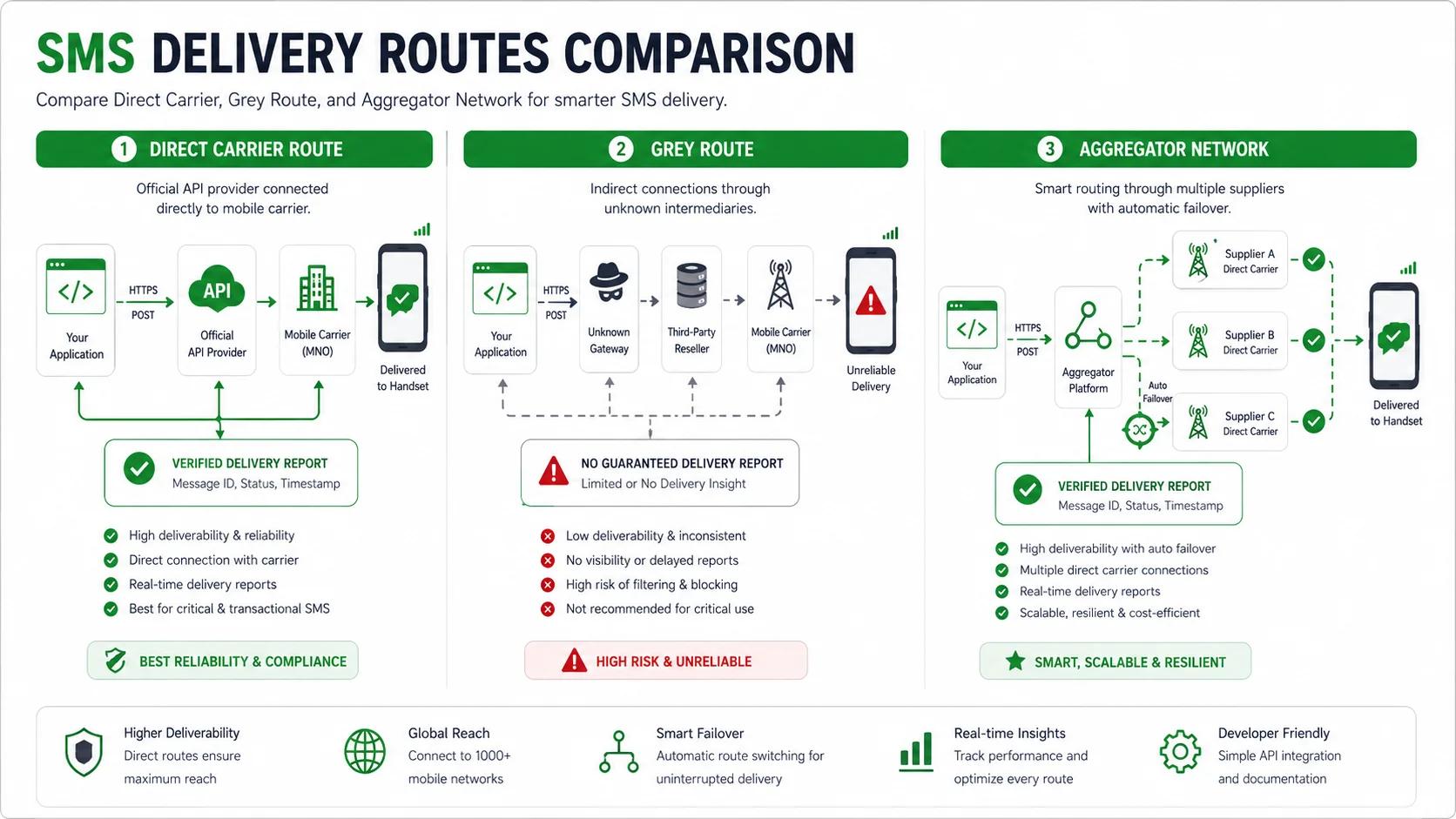
For a separate review of route choice and route quality, use the SMS routing reliability guide. Delivery monitoring should first show which country, sender, route, or network needs that closer look.
Use SMSBoosting to monitor international delivery
The clearest international SMS dashboard starts with country, then adds carrier when available, sender, route, status, and timing. Save the message IDs, keep pending messages visible, and compare each country with its own normal results.
If you are using SMSBoosting through HTTP or SMPP, you can discuss API reporting, task-status visibility, route follow-up, and implementation support for your planned traffic. Share the countries, message types, expected volume, and the delivery results you want to monitor. Contact SMSBoosting to discuss the setup.