
Text message coupons are discount codes, links, barcodes, or in-store offers delivered by SMS. A customer may receive one after joining a promotional list, texting a keyword, reaching a loyalty milestone, or entering a defined lifecycle segment.
The message is the visible part of the campaign. The real work happens behind it: offer economics, consent, code rules, redemption, staff instructions, tracking, and suppression. Build those parts first, then write the copy.
Which Text Message Coupon Format Should You Use?
Choose the coupon format based on where customers redeem it and how much control you need. A local store may accept a visible message at the register. An ecommerce brand may need unique codes that connect every redemption to one subscriber.
| Format | Best Use | Setup Effort | Control and Attribution |
| Shared code | Simple online promotion | Low | Low; the code can be shared |
| Unique code | Targeted online offer | Medium | High; one code can map to one recipient |
| Coupon link or barcode | Online or in-store redemption | Medium to high | High when the link or barcode is unique |
| Show-this-text offer | Local store or event | Low | Low unless staff records the claim |
The easiest format is not always the least expensive. A shared code takes little work, but uncontrolled sharing can increase discount cost. A unique code needs a coupon bank or code-generation workflow, yet it gives the team cleaner redemption data.
How to Run a Text-to-Coupon Campaign
A complete text-to-coupon campaign connects customer permission to a measurable redemption. The seven steps below keep marketing, ecommerce, store operations, and finance working from the same rules.
Step 1: Set the Goal and Offer Economics
Start with one campaign outcome: acquire first-time buyers, increase store visits, move selected stock, grow average order value, reward loyal customers, or reactivate inactive customers.
Then model the offer before choosing a headline. Use your normal selling price, cost of goods, expected discount, campaign cost, and any order threshold. A 20% discount may look attractive but erase margin on low-value orders.
Use this basic break-even check:
Break-even redemptions = Total campaign cost / Contribution margin per redeemed order
Contribution margin should be calculated after the discount and variable fulfillment costs. Use the equation only when that per-order contribution margin is positive. Keep campaign cost in the numerator; do not count it again in per-order contribution margin. Round the result up to a whole redemption. The equation does not predict results. It tells you how many profitable redemptions the campaign needs before launch.
Define expiration, eligible products, minimum order, locations, stacking rules, and redemption limit in a short offer sheet. That sheet becomes the source for the message, landing page, POS rule, and support response.
Step 2: Define the Audience and Permission
Build the audience from a documented SMS permission source. Texting a keyword can start an opt-in flow, but the call to action must explain the program, sender, message purpose, and how to stop messages.
Segment the campaign by the offer goal. A first-order coupon belongs with new subscribers who have not bought. A win-back coupon belongs with customers who meet a defined inactivity rule. Exclude employees, test numbers, recent purchasers, prior redeemers, unsupported locations, and anyone who opted out.
Do not assume an email subscription covers promotional texts. The UK Information Commissioner’s Office explains that consent for electronic marketing should be specific to the channel and purpose in its electronic-mail consent guidance. Requirements vary by country, so have local counsel or a qualified compliance owner review the program.
Step 3: Choose the Code and Redemption Method
Match code design to the risk and point of sale.
Use a shared code for a low-risk, broad campaign when code forwarding is acceptable. Use unique codes when the offer has a high value, a strict per-customer limit, or a need for recipient-level attribution. Use a barcode or unique link when the POS or ecommerce platform can validate it in real time.
Decide what happens during failure. A cashier may face a dead link, an unreadable barcode, no mobile service, or a code marked as used. Write a fallback rule before the campaign starts. For example, a manager can verify the message timestamp and record a manual override in the POS.
Keep code status synchronized across channels. A customer should not see “valid” on the SMS landing page after the ecommerce platform has already rejected the code.
Step 4: Write the Coupon Message
The message should identify the brand, state the offer, explain the action, show the deadline, and include the required opt-out language. Put long exclusions on a mobile page, but make the main qualification visible in the text.
Maple Lane: Take 20% off one full-price item through Aug 31 with code MAPLE20. Shop: [link]. Terms apply. Reply STOP to opt out.
For an in-store offer:
Harbor Café: Show this text for a free pastry with any large drink at 18 Bay St, Aug 14–16. One per customer. Reply STOP to opt out.
For a unique loyalty reward:
Northstar Club: Your $15 reward is ready. Use [UNIQUE_CODE] on a $60+ order by Sep 5: [link]. Reply STOP to opt out.
Write the message after the offer sheet is approved. This keeps the copy aligned with the register, checkout, and customer-service response. A text coupon can be part of a wider permission-based SMS marketing program, but it should still have one clear goal.

Step 5: Build and Test the Customer Journey
Test the full journey on real devices and every relevant sales channel. The campaign is not ready when the SMS preview looks correct; it is ready when the coupon can be redeemed and reported.
Check these paths with internal test numbers:
- Message Rendering: Confirm the brand name, variables, punctuation, short link, Unicode characters, and total message segments.
- Landing Experience: Open the link on common mobile browsers, verify the offer terms, and confirm that checkout or store instructions are visible.
- Code Validation: Test valid, expired, already-used, excluded-product, and below-minimum-order cases.
- Opt-Out Handling: Confirm that supported opt-out requests update the suppression list and receive the correct confirmation.
- Reporting: Verify that the send record, click, code, redemption, order value, discount value, and campaign ID can be reconciled.
End the test with a real redemption and reversal. Returns and canceled orders should not remain counted as successful coupon revenue.
Step 6: Launch and Operate the Campaign
Start with a smaller eligible segment when the offer, POS rule, or integration is new. This limits operational exposure and gives the team time to find broken links, cashier confusion, or inventory mismatches.
Brief everyone who may receive a question. Store staff need the offer dates, eligible products, redemption steps, and fallback process. Customer service needs the same information plus a response for expired, used, or unsupported codes.
Monitor delivery reports, replies, link errors, code failures, and stock during the campaign. Pause the send when the offer can no longer be honored. Do not keep promoting an item after inventory or appointment capacity has run out.
For timed programs, a Marketing SMS platform can schedule the send. An application or integration can insert a unique code into the message payload and call the SMS API after a qualifying customer event. The campaign design stays the same: one audience, one offer, one redemption rule, and one reporting key.
Step 7: Measure Redemption and Profitability
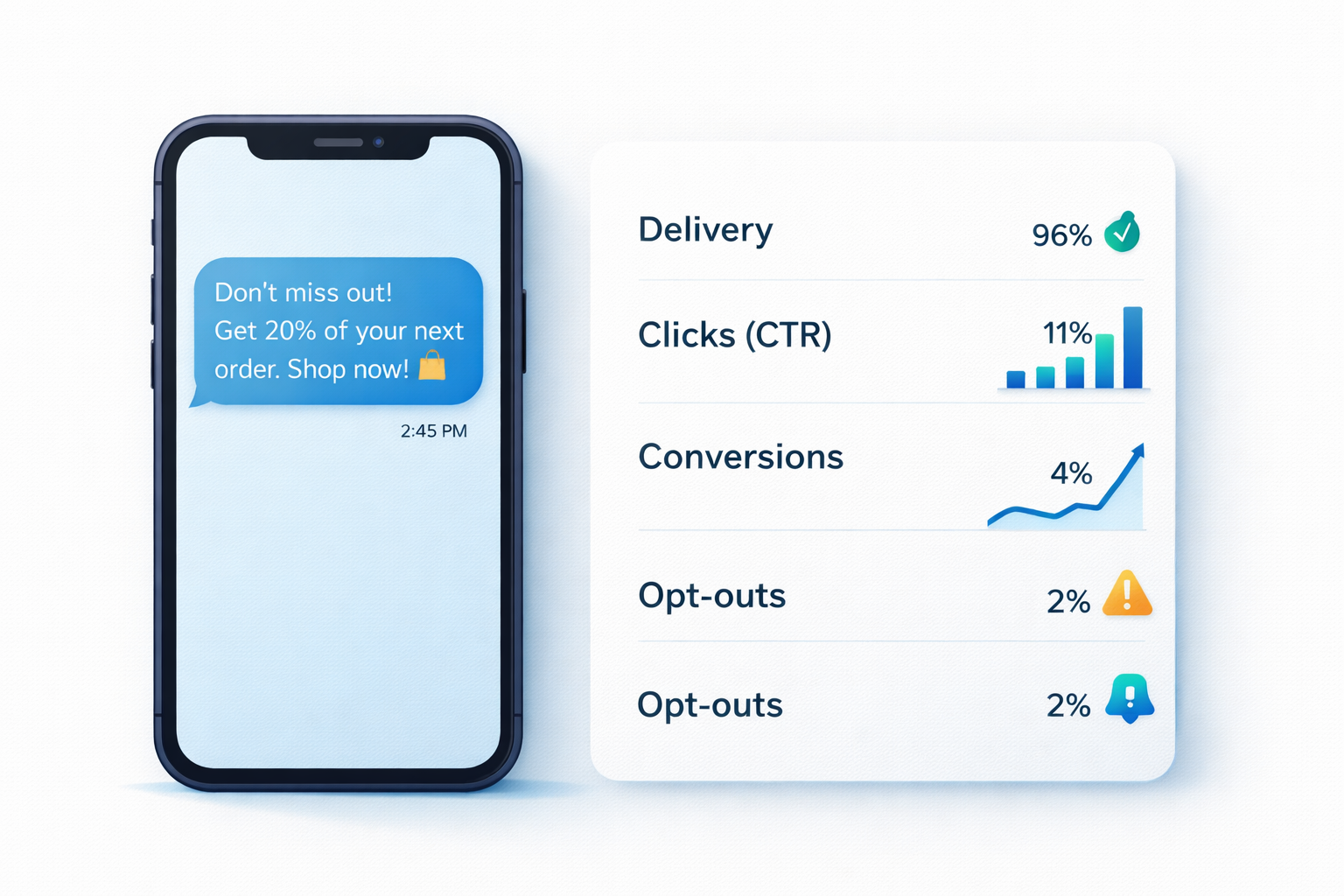
Coupon reporting should connect the message to the final commercial result. Clicks can diagnose the journey, but a click is not a redemption.
Use one consistent monetary basis for these calculations. The formulas below treat redeemed-order revenue as the amount actually collected after discounts; if you use pre-discount revenue instead, subtract the discount once and label that basis clearly.
Use these core calculations:
Redemption rate = Valid redemptions / Delivered coupon messages
Net coupon revenue = Collected revenue from redeemed orders – refunds – canceled-order amounts
Campaign contribution = Net coupon revenue – cost of goods – campaign cost
Keep definitions consistent. Count each unique code once if the offer allows one use. Separate online and in-store redemptions when their costs or order values differ. Compare the coupon group with an appropriate holdout or prior baseline when possible, because some customers may have purchased without the discount.
Record results in the same SMS marketing ROI model used for other campaigns. This makes coupon performance comparable with launches, loyalty messages, and reactivation programs.
Text Coupon Examples by Campaign Goal
The best offer depends on the commercial problem. These examples show how the structure changes without changing the core operating rules.
First-Purchase Offer
Solace Home: Welcome to SMS. Take $10 off your first $50+ order with HOME10 through Aug 30: [link]. Reply STOP to opt out.
Use this after a clear promotional opt-in. Suppress existing customers when the offer is limited to first purchases.
Category Promotion
Trailhouse: SMS members get 15% off hiking socks through Sunday with code TRAIL15: [link]. Full-price items only. Reply STOP to opt out.
Use a category offer to protect margin and move a selected product group. Confirm that the link opens the eligible collection.
In-Store Visit
Poppy Market: Show this message for $5 off a $25+ purchase at our Elm St store today, 11 AM–6 PM. One use. Reply STOP to opt out.
The store, date, hours, and minimum order are visible. Staff need a POS code or manual claim method.
Win-Back Coupon
Bramble Kitchen: It’s been a while. Take 20% off your next pickup order through Aug 22 with BACK20: [link]. Reply STOP to opt out.
Use a defined inactivity window and exclude anyone who ordered after the audience was built.

Common Text-to-Coupon Mistakes
Most failures come from disconnected campaign rules rather than weak wording.
- Unclear Terms: Put the main restriction in the message and make every remaining term easy to reach on mobile.
- Uncontrolled Codes: Use unique codes or redemption limits when forwarding would create material discount risk.
- Broken Store Handoff: Give staff a written redemption and exception process before customers arrive.
- Wrong Success Metric: Report valid, net redemptions and contribution, not only sends or clicks.
- Stale Audience Data: Recheck purchases, opt-outs, location, and eligibility immediately before launch.
Frequently Asked Questions
Are unique coupon codes better than shared codes?
Unique codes give stronger control and attribution, but they need code generation and validation. Shared codes are easier to operate when code-sharing risk and recipient-level reporting are less important.
Does requesting one text coupon allow future promotional texts?
Not automatically in every jurisdiction. The sign-up disclosure and consent record must cover the messaging program you plan to run. Review local law, carrier requirements, and the exact call to action.
Build the Redemption Flow Before You Send
Choose the offer, code, and redemption process first. Then write a short message that reflects those approved rules. SMSBoosting supports scheduled and API-based marketing messages for teams that need to deliver coupon campaigns to opted-in recipients where local rules and routes allow. Explore Marketing SMS to review campaign setup and destination requirements.



